
Realtime Landscaping Architect
Design professional landscape plans and presentations.
Create photo-based designs, plan drawings, and even full
3D walkthroughs, all for only $599
2026 Now Available. See What's New
Already own Architect? Upgrade Now
Realtime Landscaping Architect
Design professional landscape plans and presentations.
Create photo-based designs, plan drawings, and even full
3D walkthroughs, all for only $599
2026 Now Available. See What's New
Professional Landscape Design Software
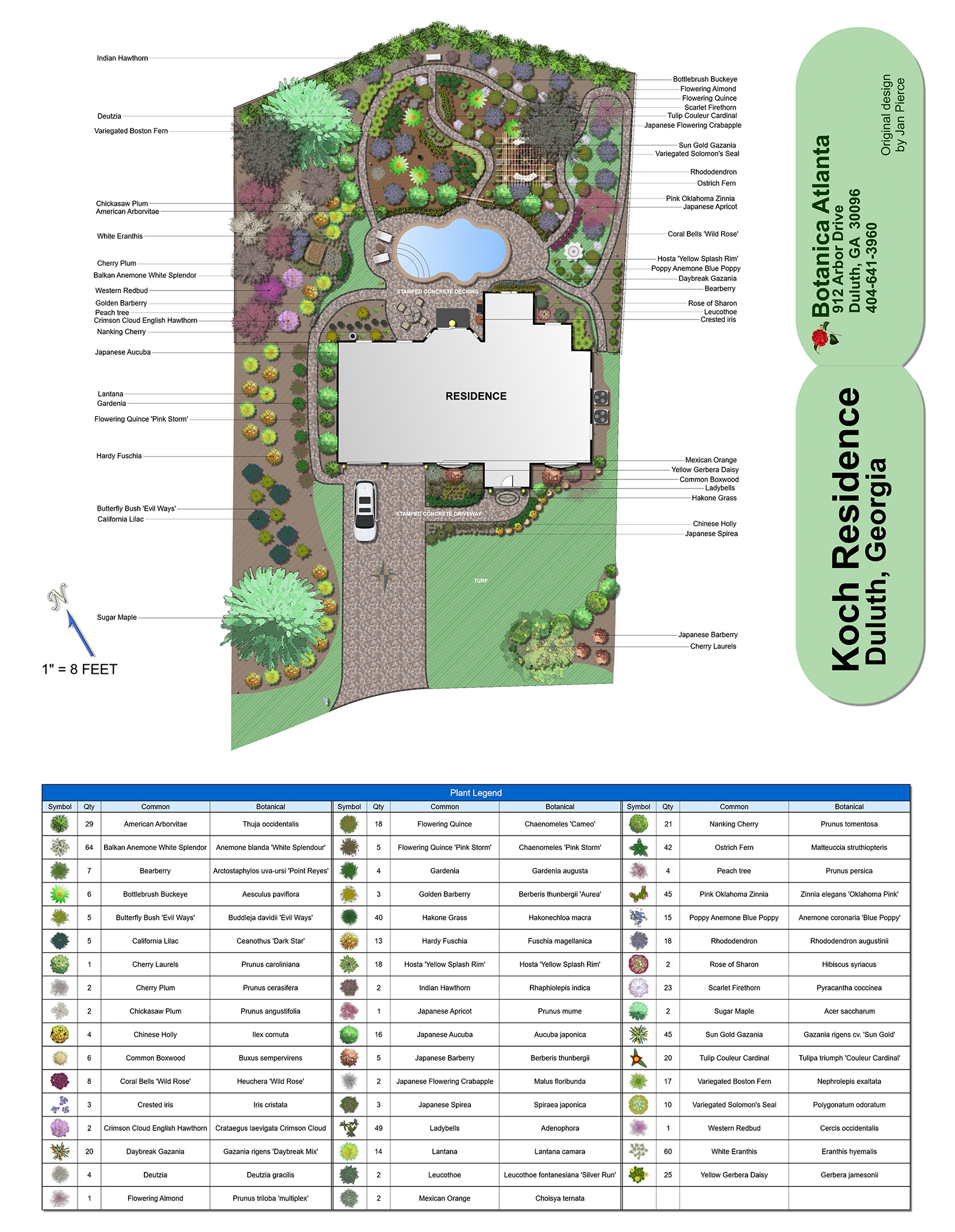
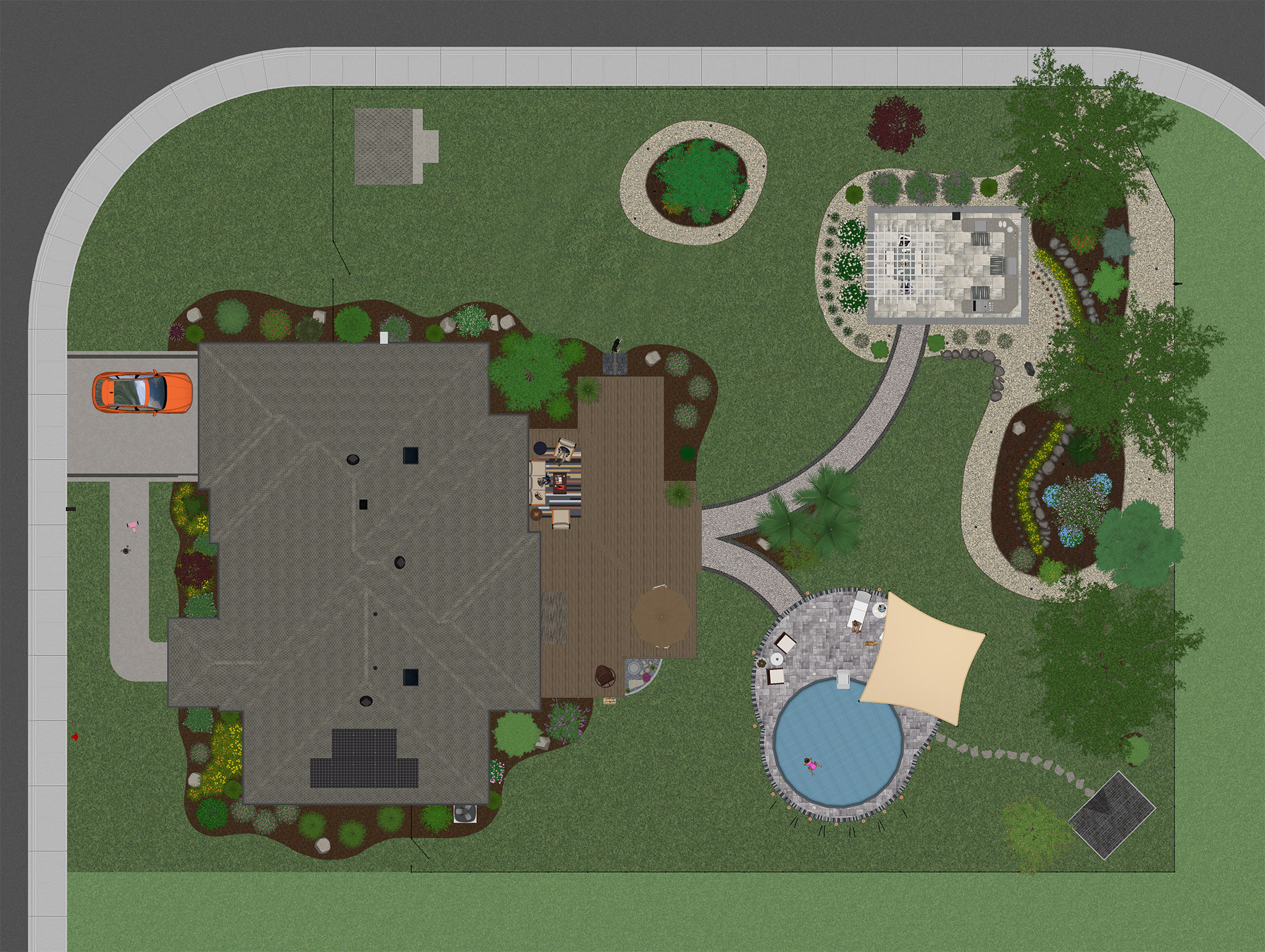
Design Landscape Plans
Design houses, decks, fencing, yards, gardens, swimming pools, water features, and much more with easy-to-use tools.
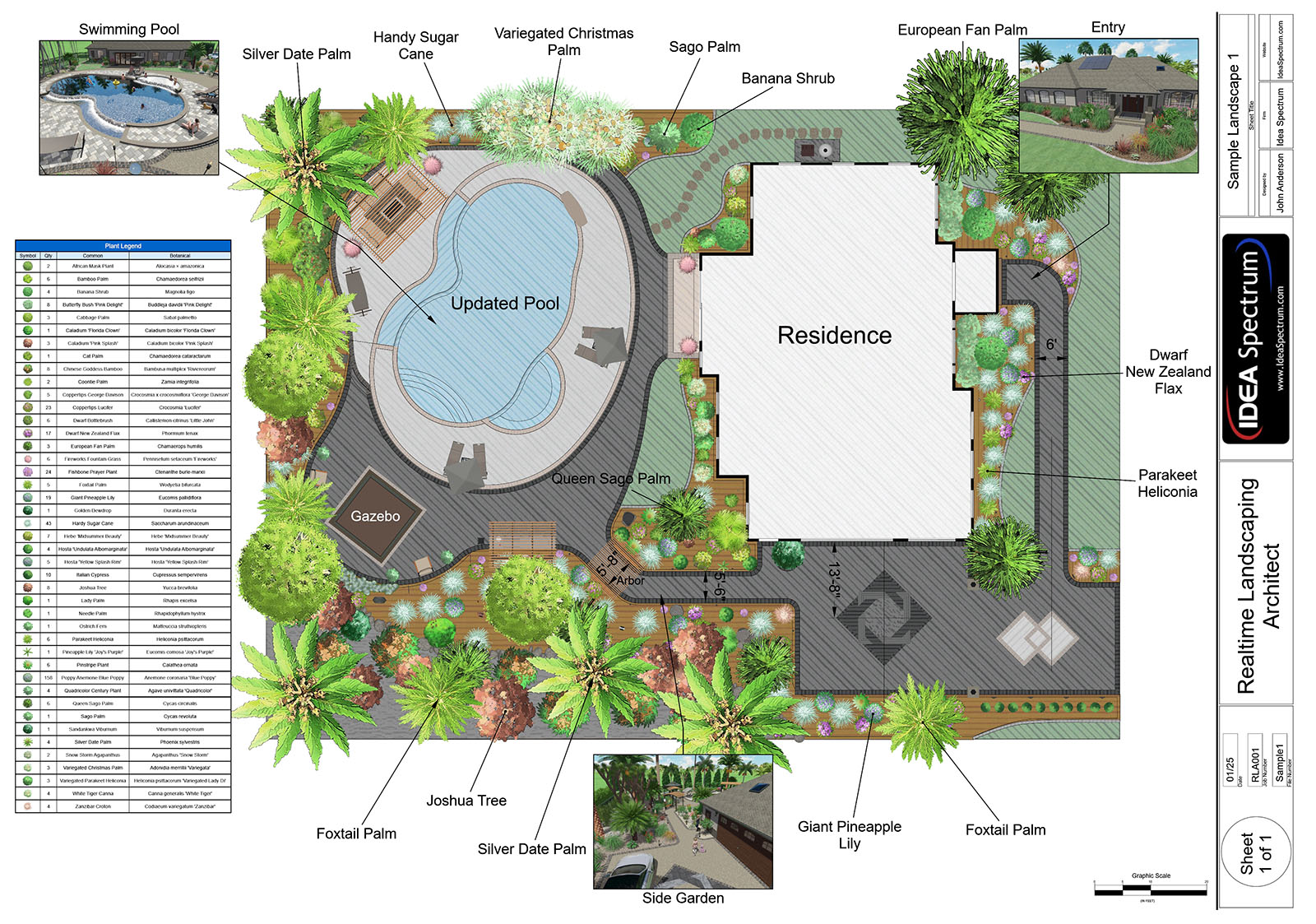
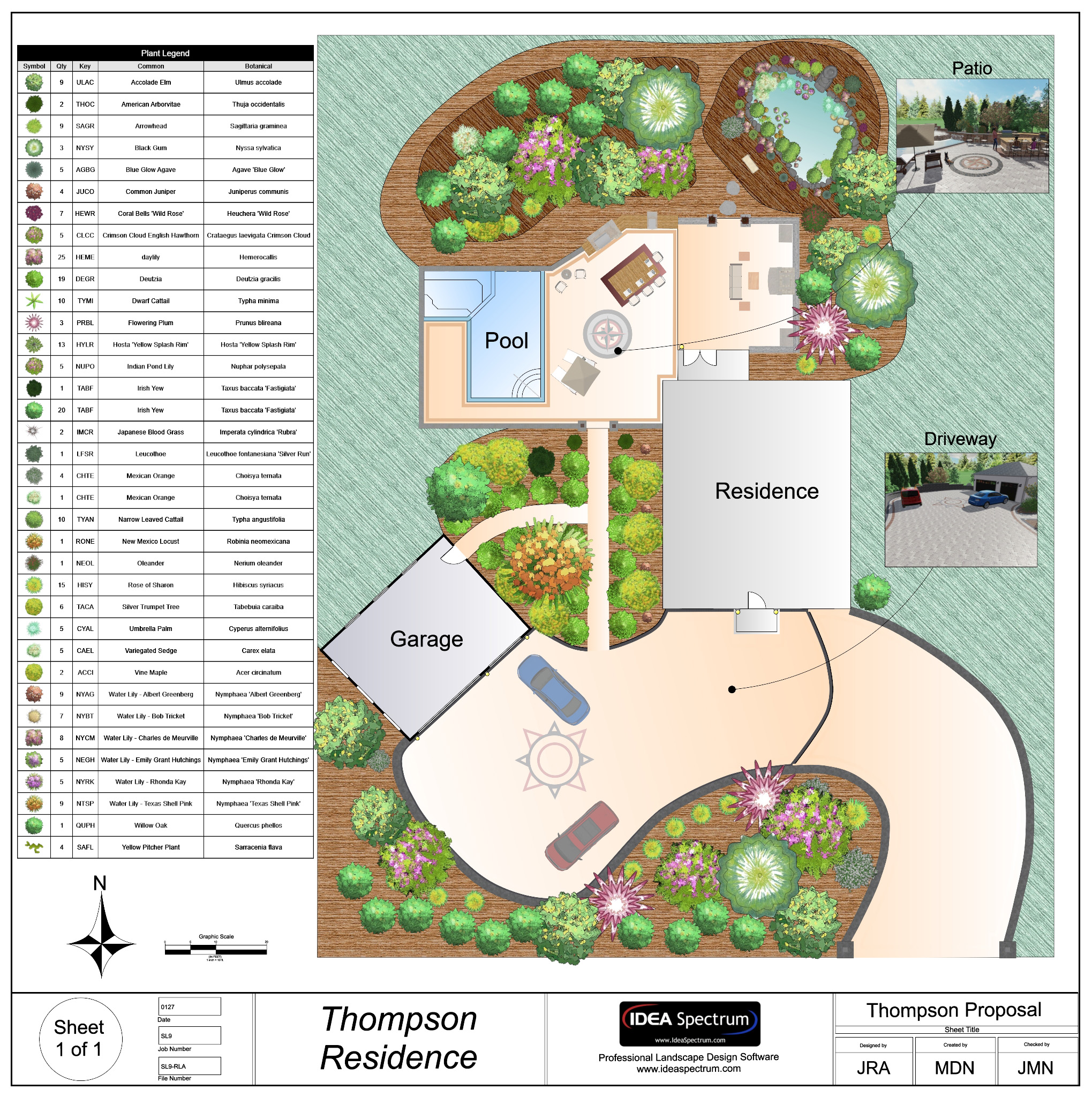
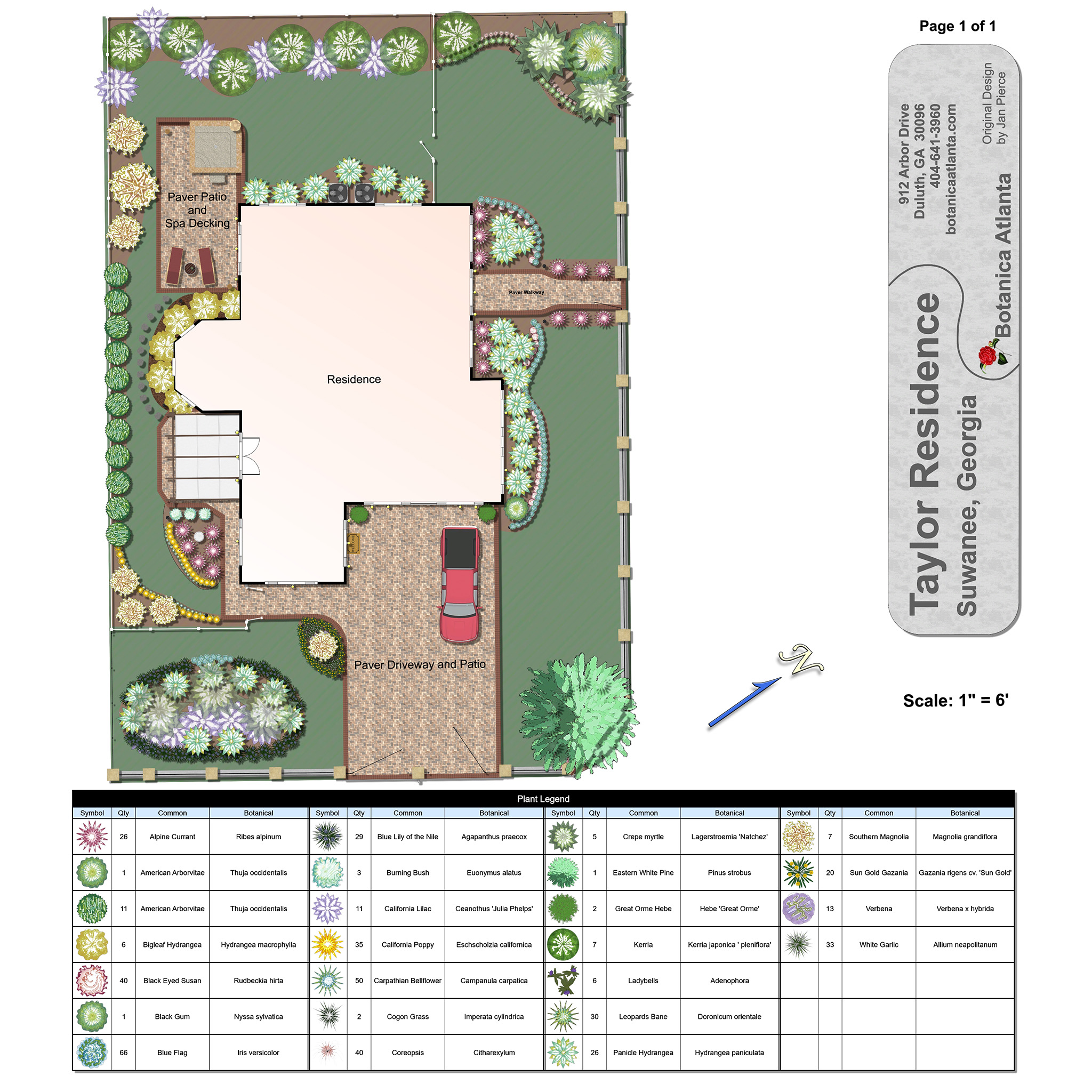
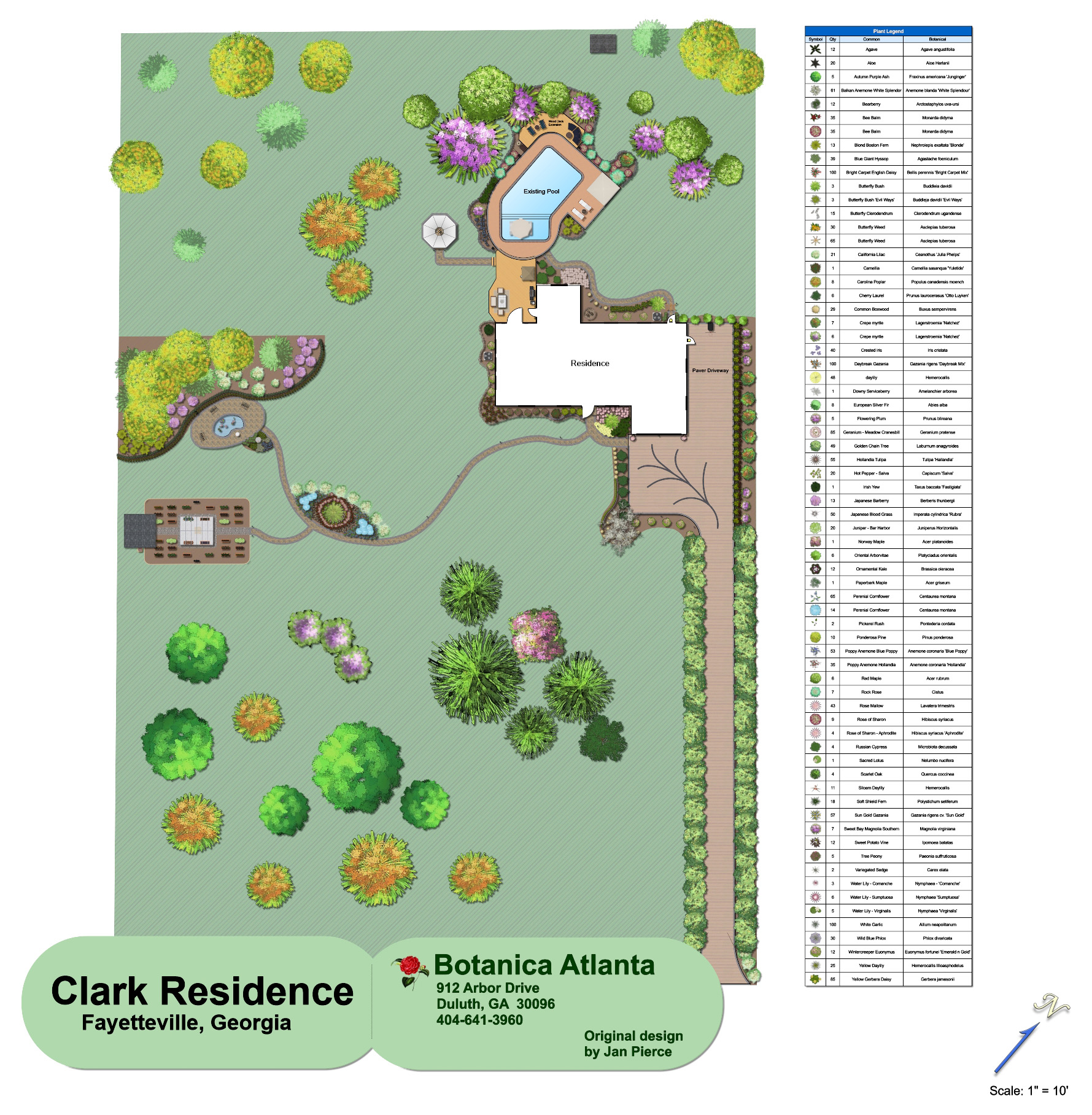
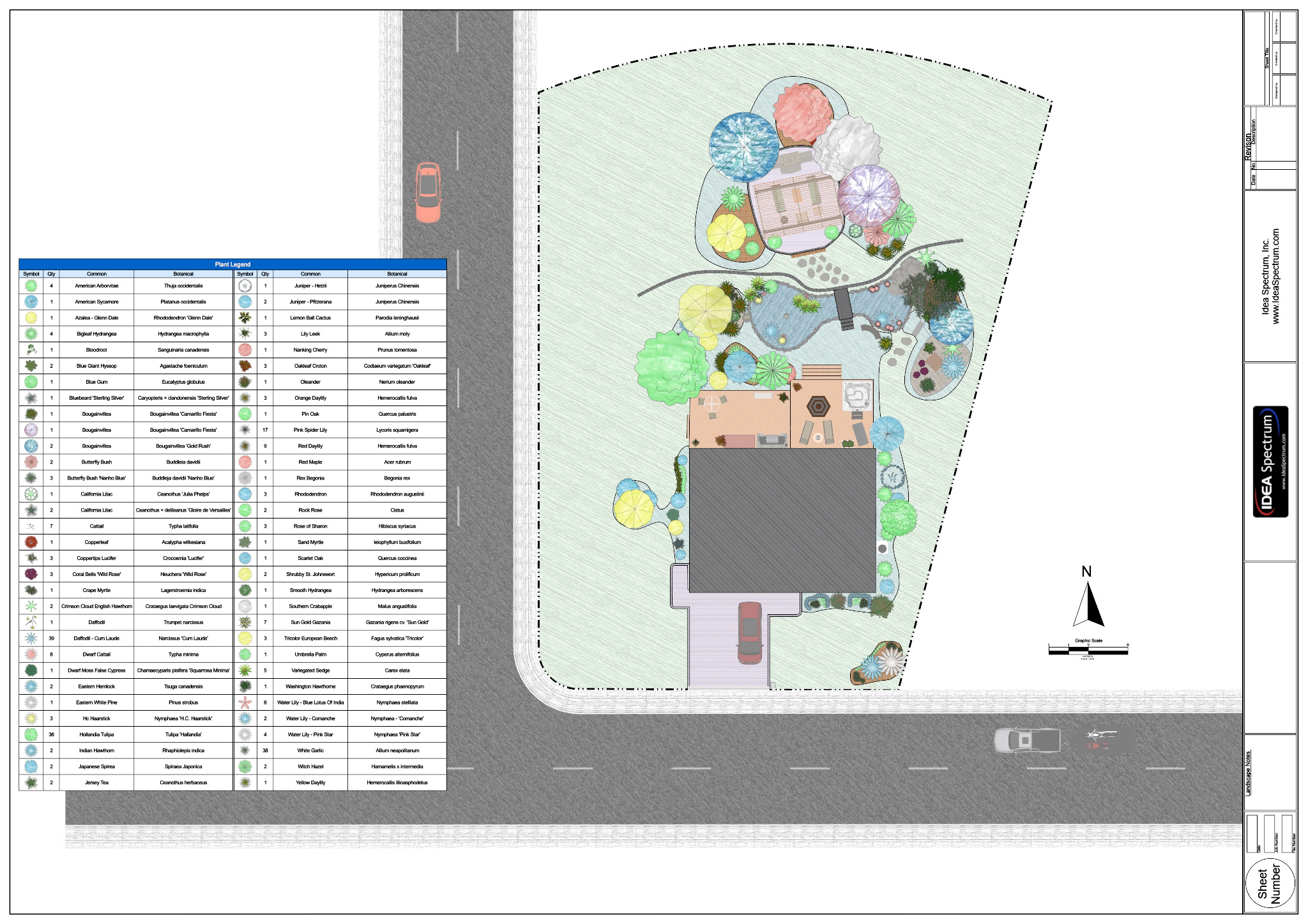
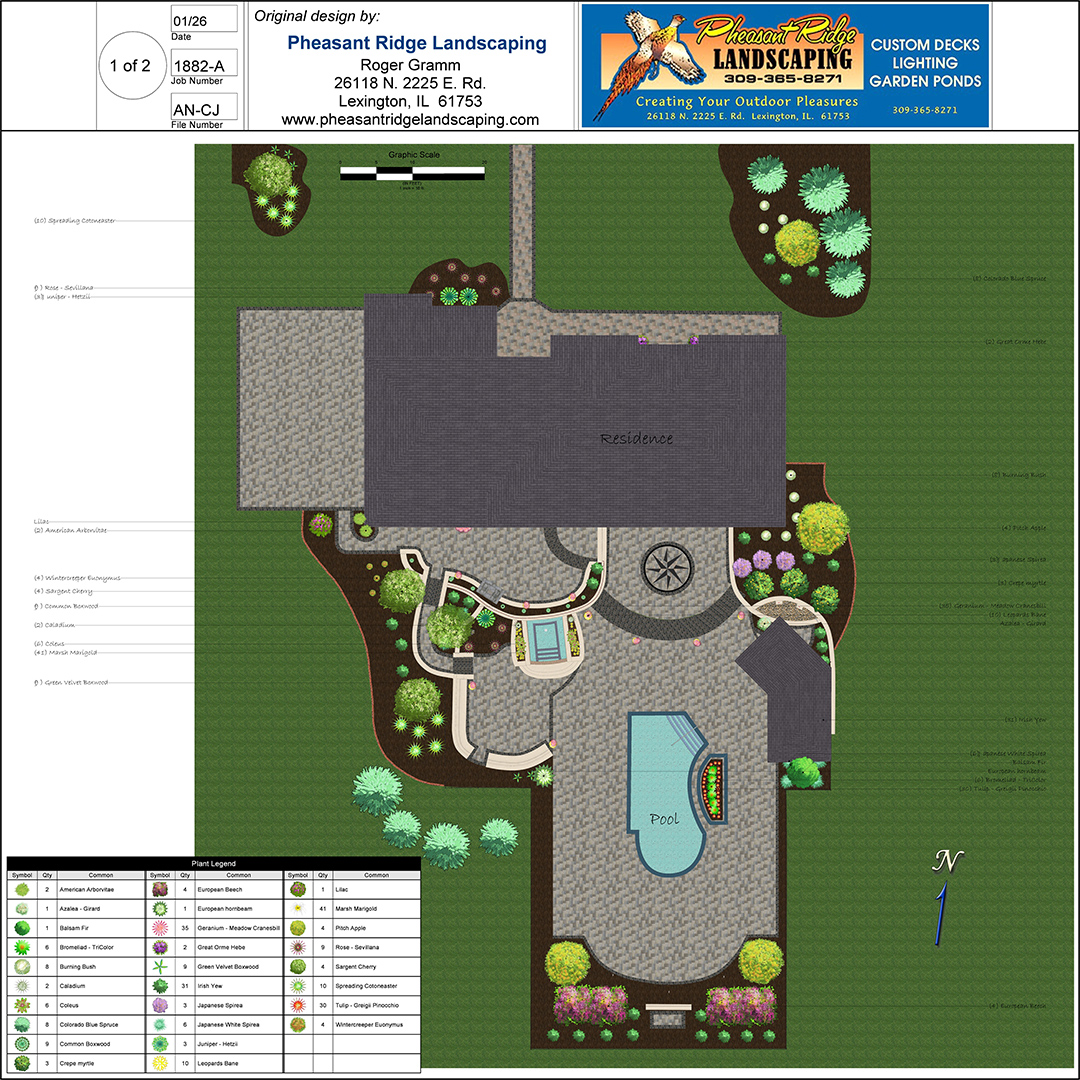
Give your plans a hand-drawn look using a wide variety of plant symbols and color washes.
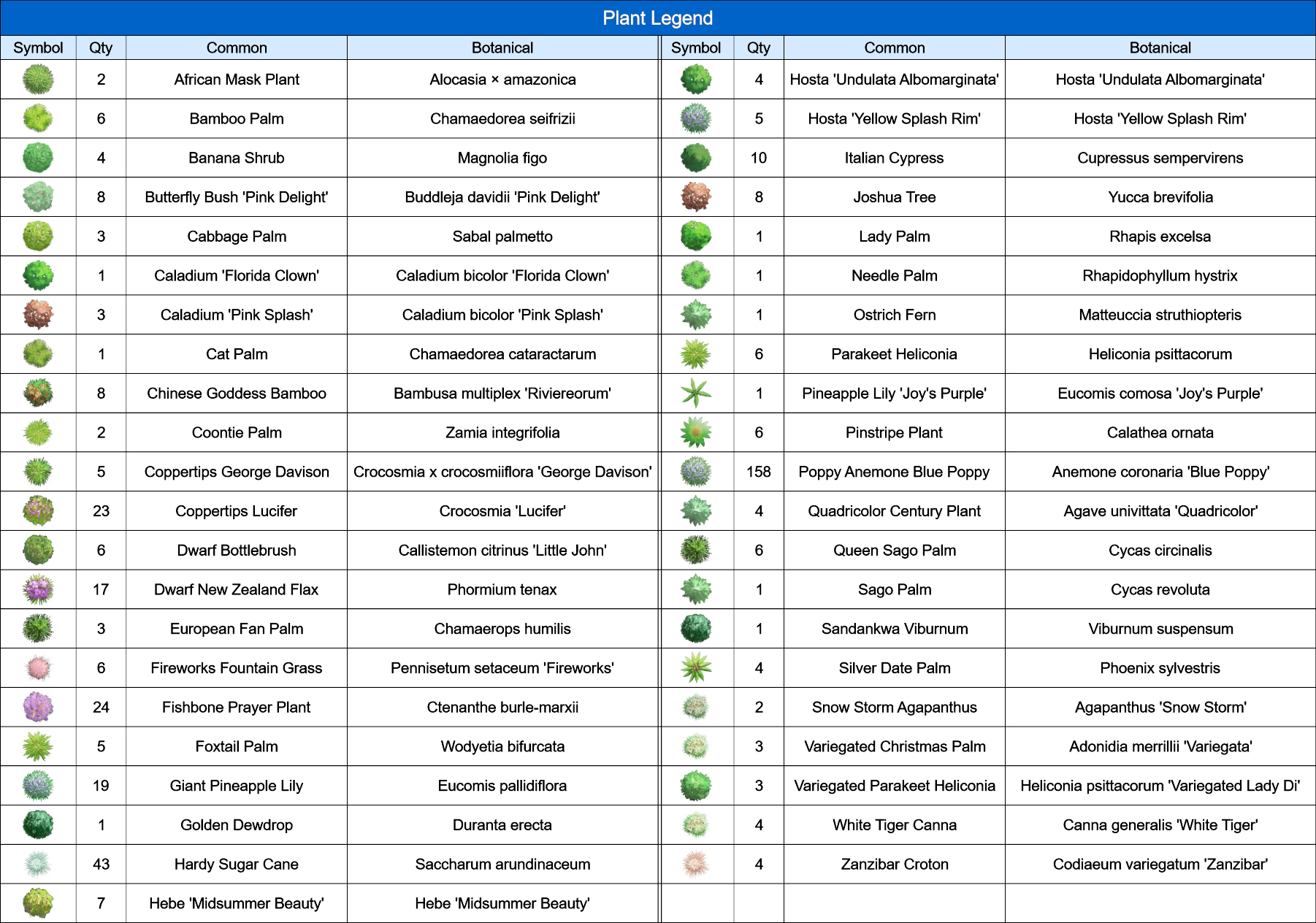
Add plant labels automatically using the wizard, and add a plant legend with just a few mouse clicks.
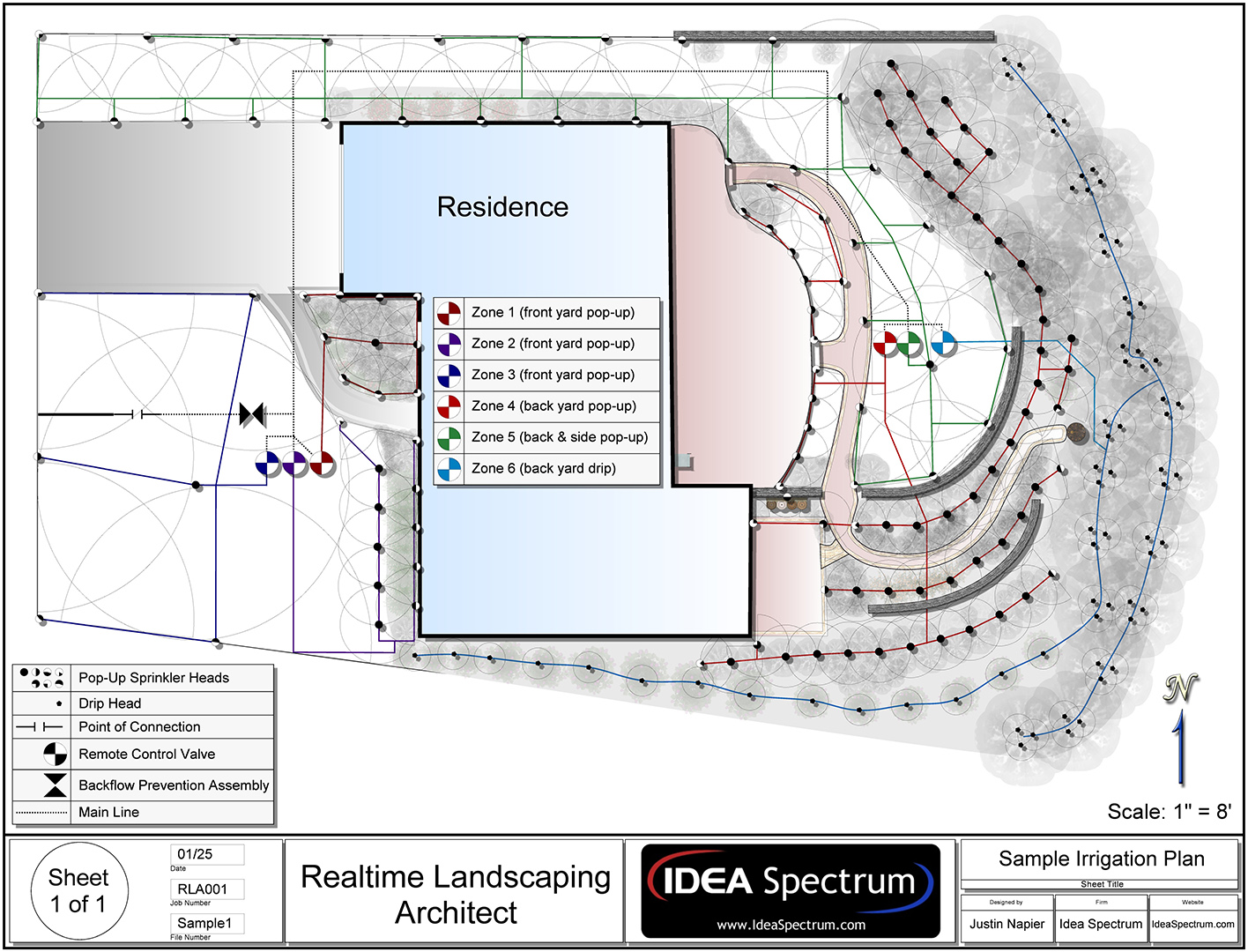
Design irrigation systems, planting details, and other CAD drawings with accurate size and scale. Includes drawing templates for sheet sizes A0-A4, and custom sizes are also supported. An extensive library of symbols is included, and you can create your own using the wizard.
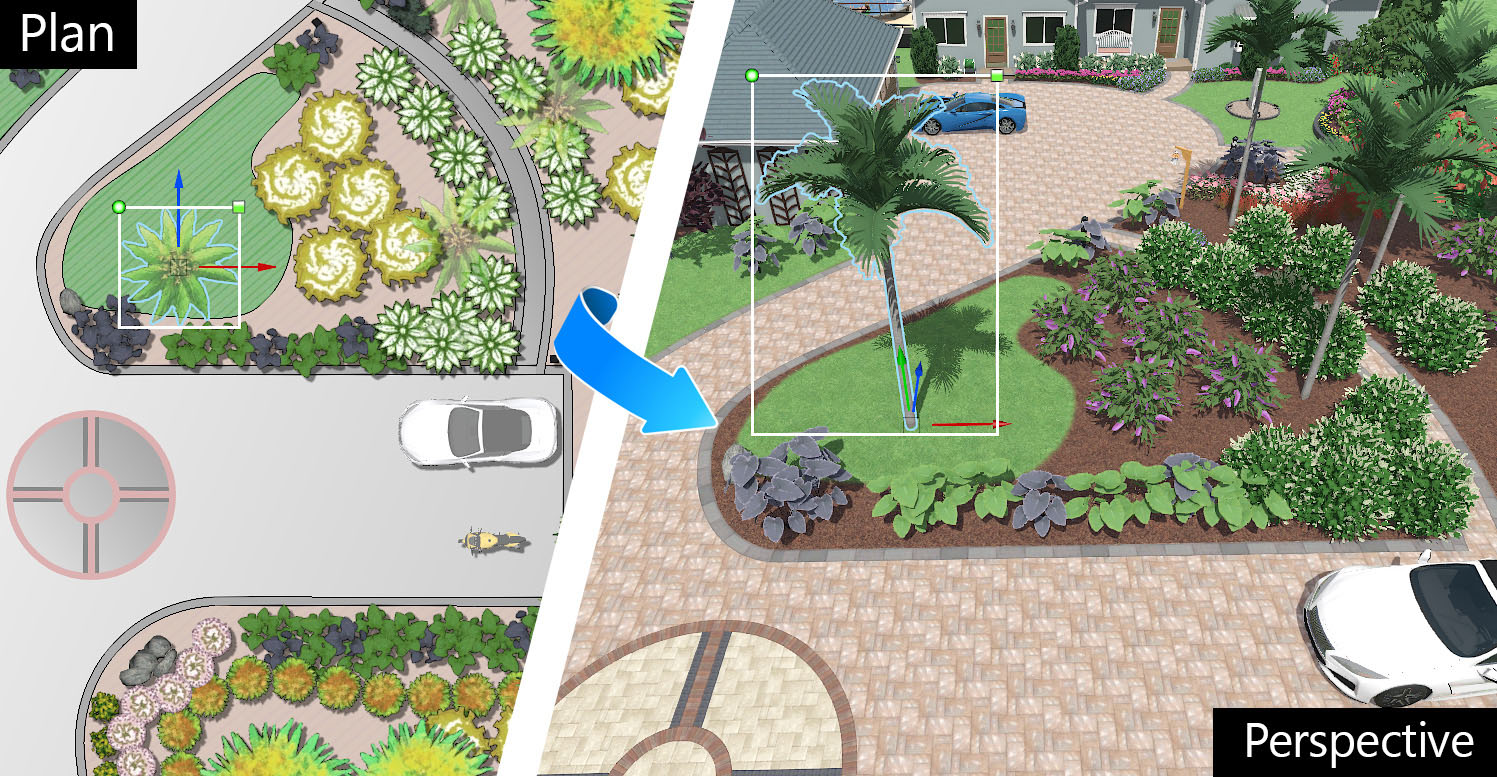
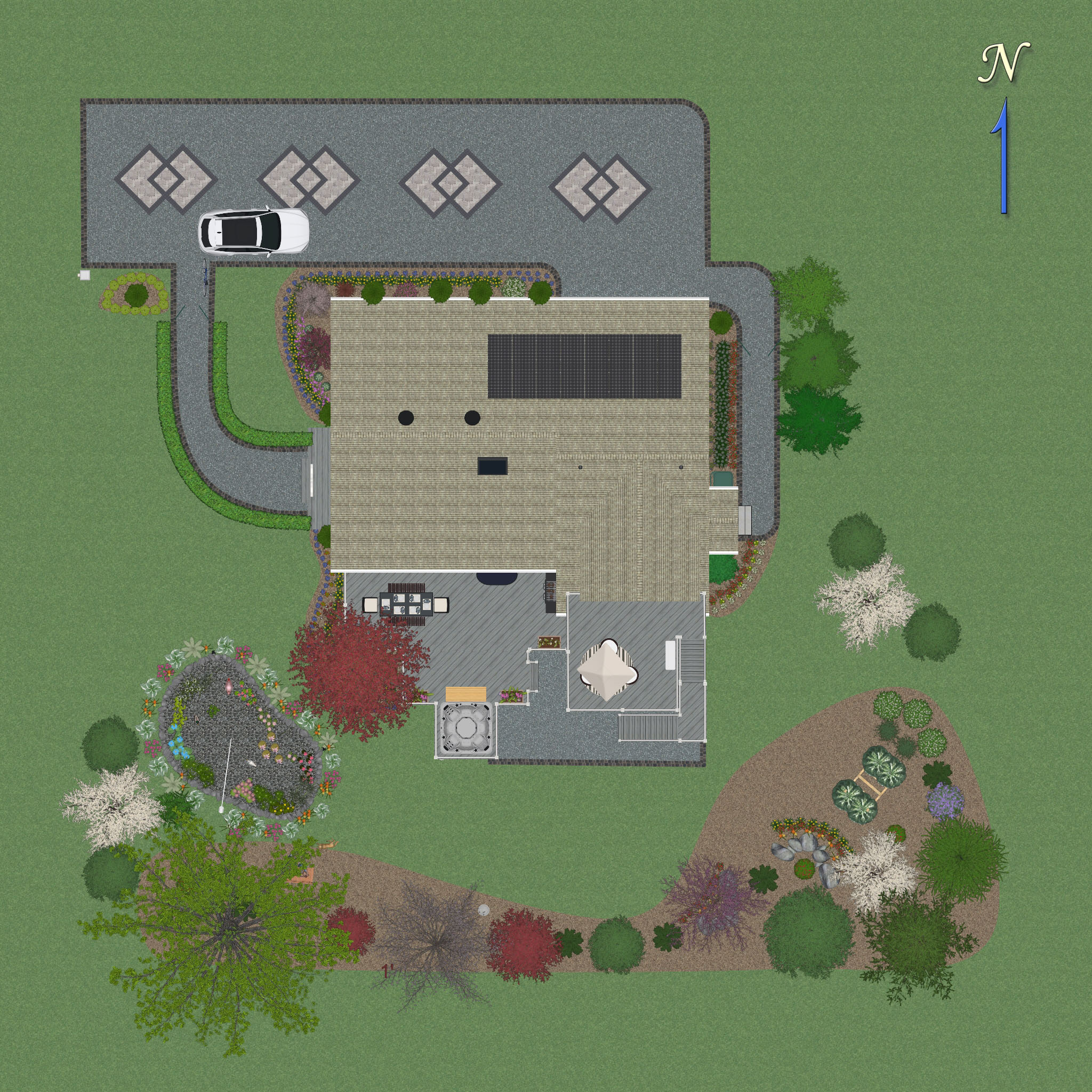
Simultaneous 2D and 3D Design
As you design your landscape, the Plan (2D) and Perspective (3D) views are updated automatically. Freely switch between views as needed. Design houses, decks, and other objects in the Plan view, and then switch to the Perspective view to set their elevation. Most tools can be used in either view.
The Plan view is used for creating artistic, stylized, CAD-like, or realistic top-down landscape plans. If an object is added to the Plan view it will appear in both the Plan and Perspective views, but can be customized for each view as needed. This functionality allows landscape designers to create both detailed 2D plans and realistic 3D designs at the same time.
Simultaneous 2D and 3D Design
As you design your landscape, the Plan (2D) and Perspective (3D) views are updated automatically. Freely switch between views as needed. Design houses, decks, and other objects in the Plan view, and then switch to the Perspective view to set their elevation. Most tools can be used in either view.
The Plan view is used for creating artistic, stylized, CAD-like, or realistic top-down landscape plans. If an object is added to the Plan view it will appear in both the Plan and Perspective views, but can be customized for each view as needed. This functionality allows landscape designers to create both detailed 2D plans and realistic 3D designs at the same time.
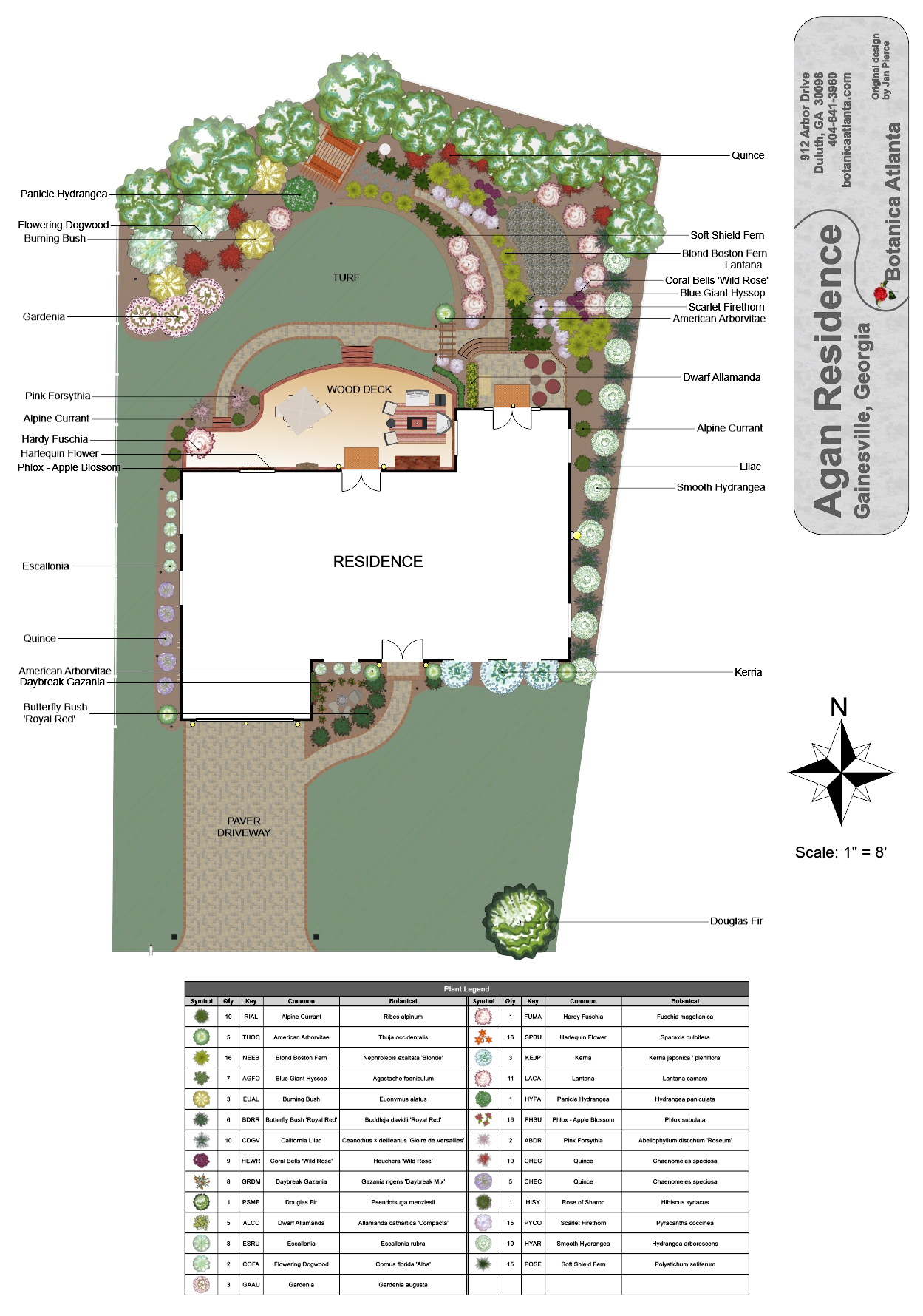
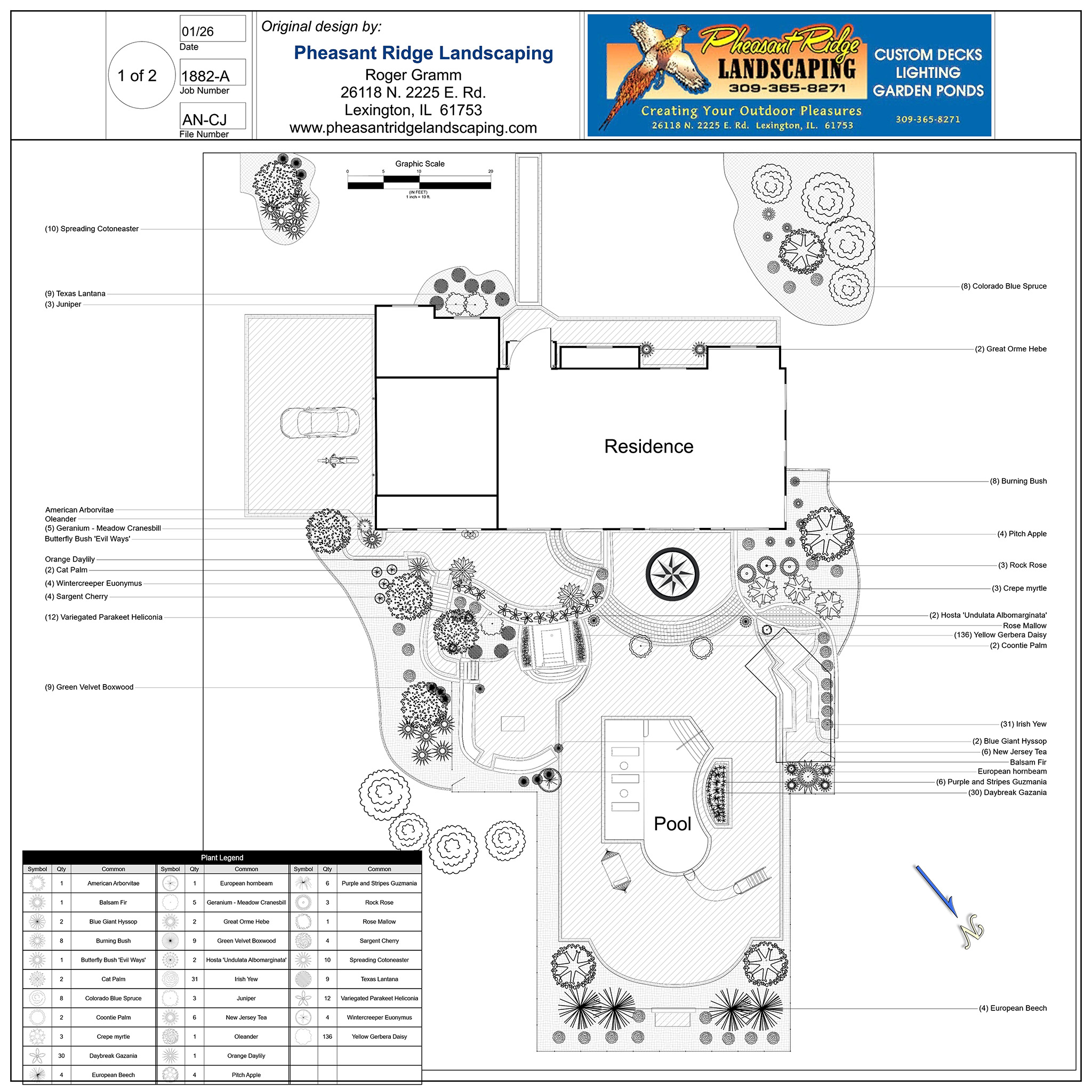
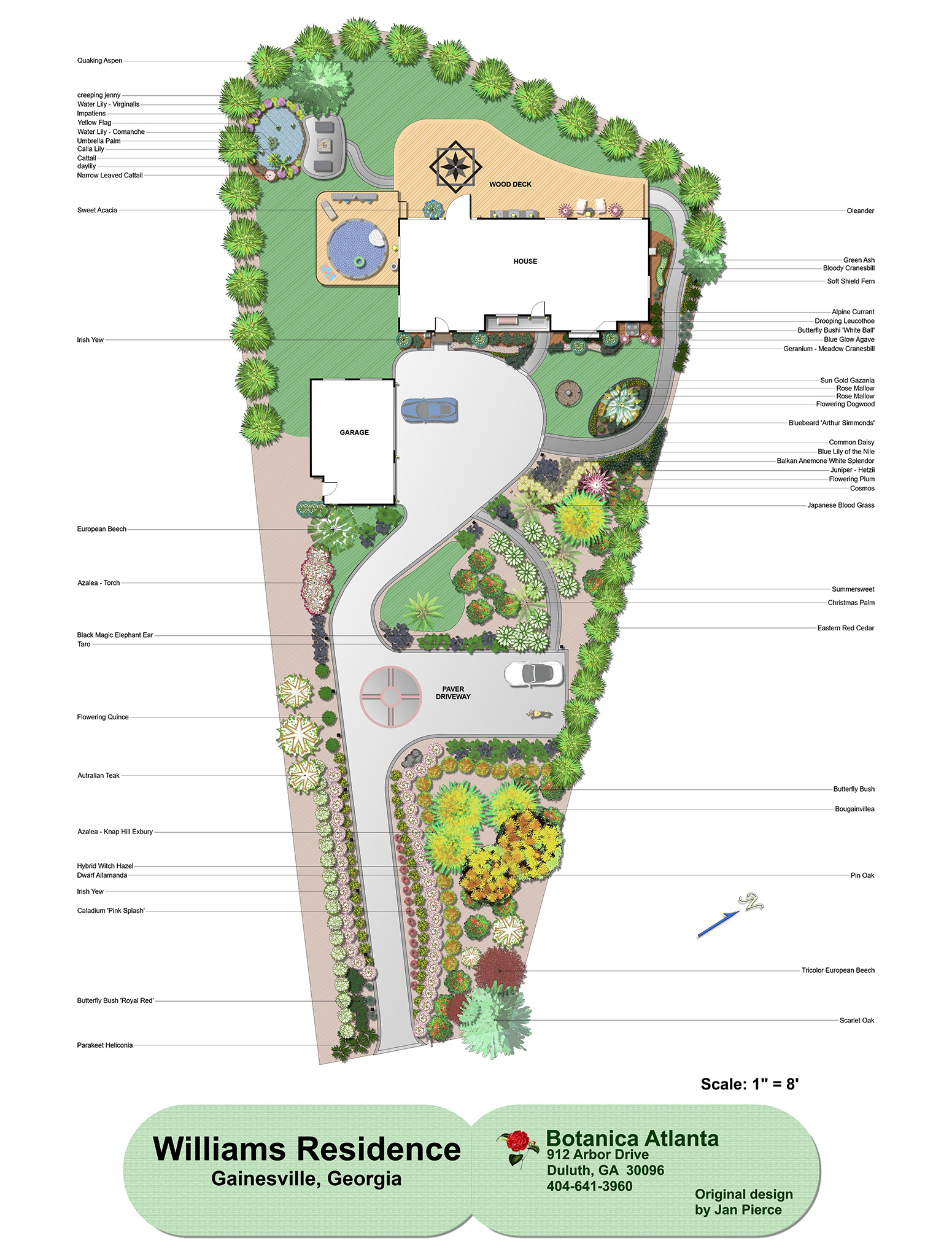
Choose your Design Appearance
Many different design types of plan designs are available in Realtime Landscaping Architect through large libraries of symbols, color washes, hatch patterns, gradients, and more. Create rich vibrant designs, or opt for a traditional black and white CAD appearance. Through the use of color washes, even hand-drawn or painted designs are possible.
High Quality Plants
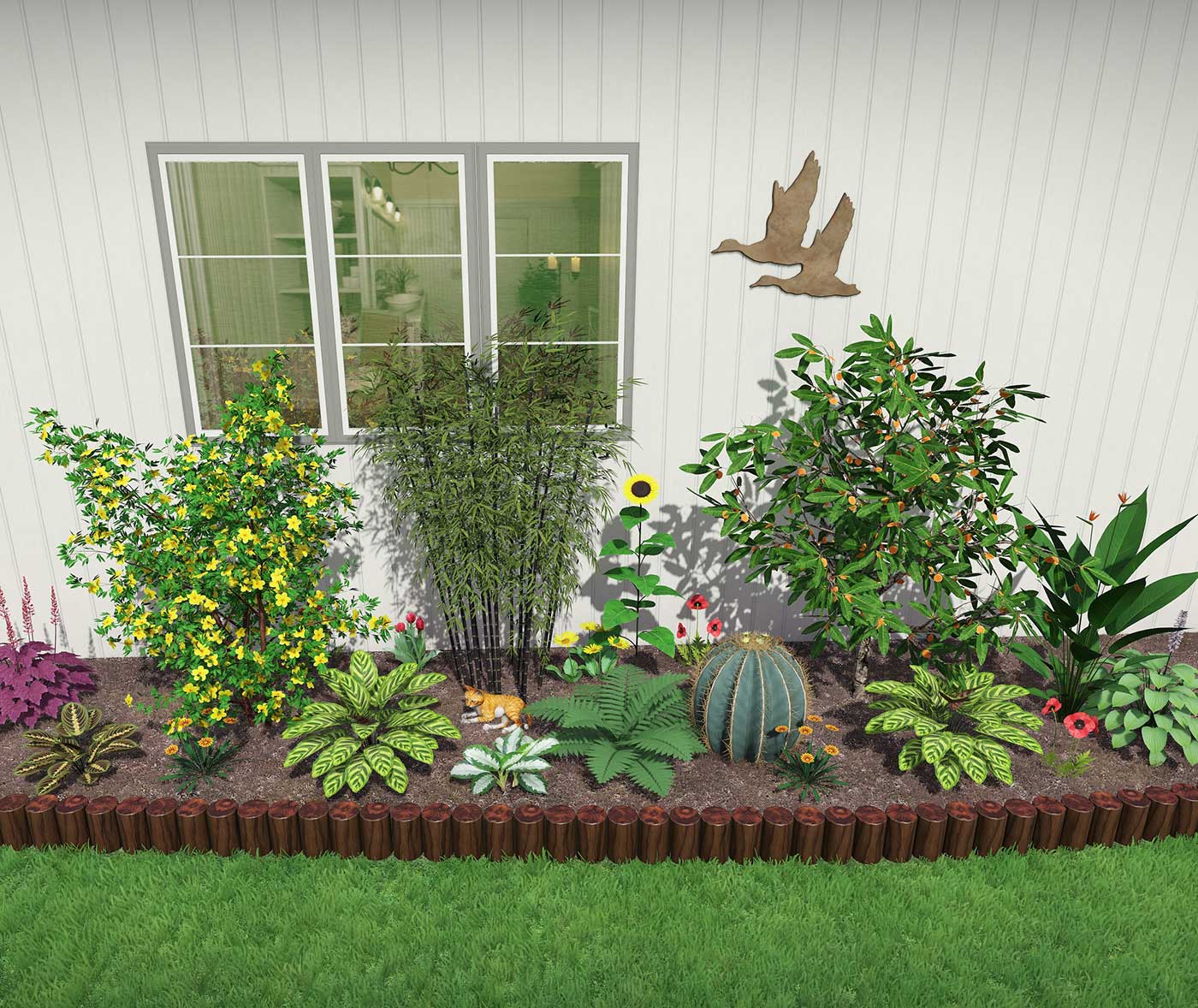
Design landscapes using a library of over 8,000 high resolution plants including shrubs, annuals, perennials, cacti, water garden and tropical.
Plants are included from all climate zones, so you can choose the ones best suited to your client’s location.
Most plants are professionally edited, high-resolution pictures of real plants, so they look realistic even close up.
The library also includes nearly 1,100 high-resolution 3D plant models which are ideal for movies and 3D walkthroughs, and nearly 500 additional standard-resolution 3D plant models.
High Quality Plants
Design landscapes using a library of over 8,000 high resolution plants including shrubs, annuals, perennials, cacti, water garden and tropical.
Plants are included from all climate zones, so you can choose the ones best suited to your client’s location.
Most plants are professionally edited, high-resolution pictures of real plants, so they look realistic even close up.
The library also includes nearly 1,100 high-resolution 3D plant models which are ideal for movies and 3D walkthroughs, and nearly 500 additional standard-resolution 3D plant models.
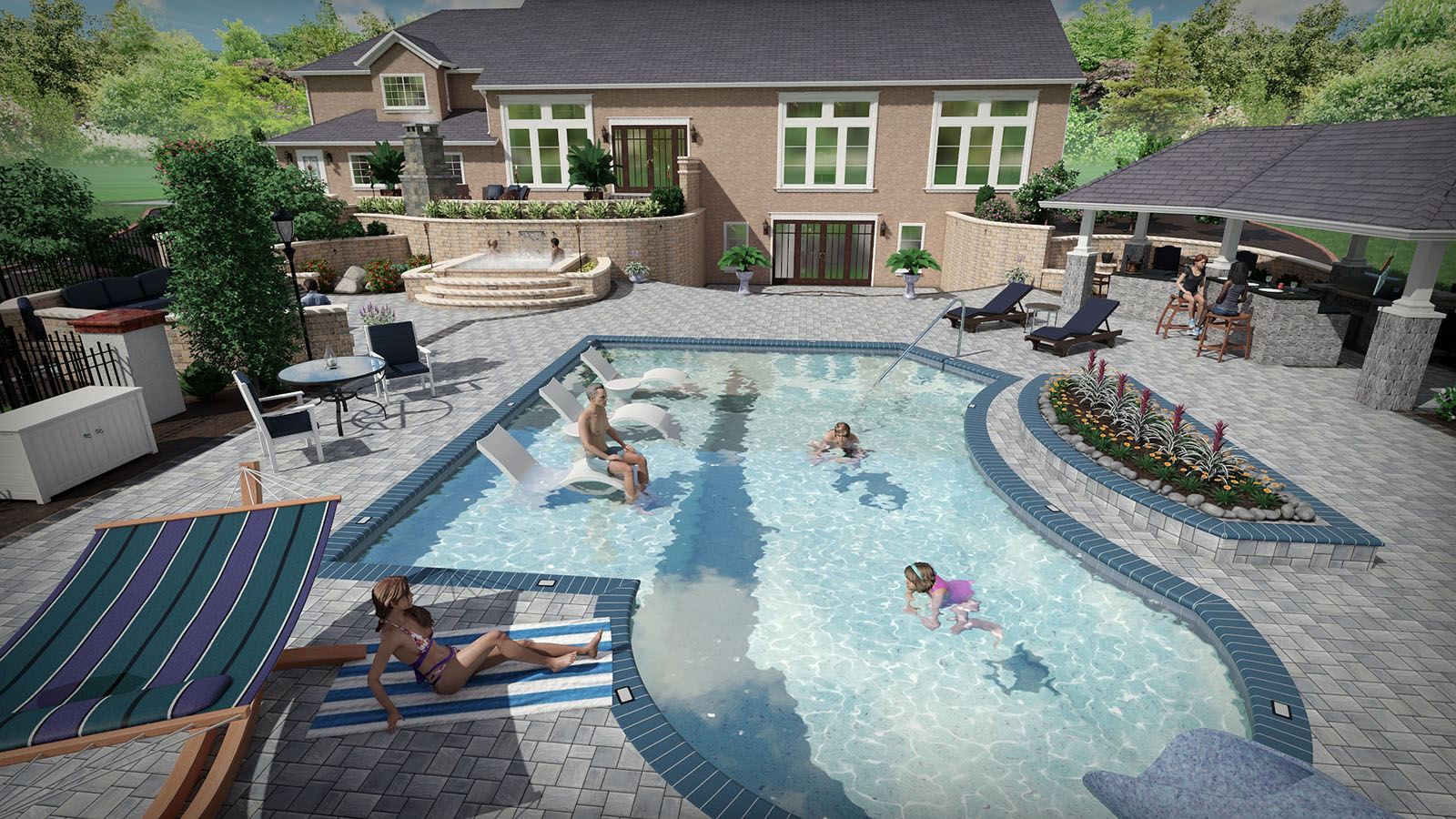
Create Swimming Pools and Spas
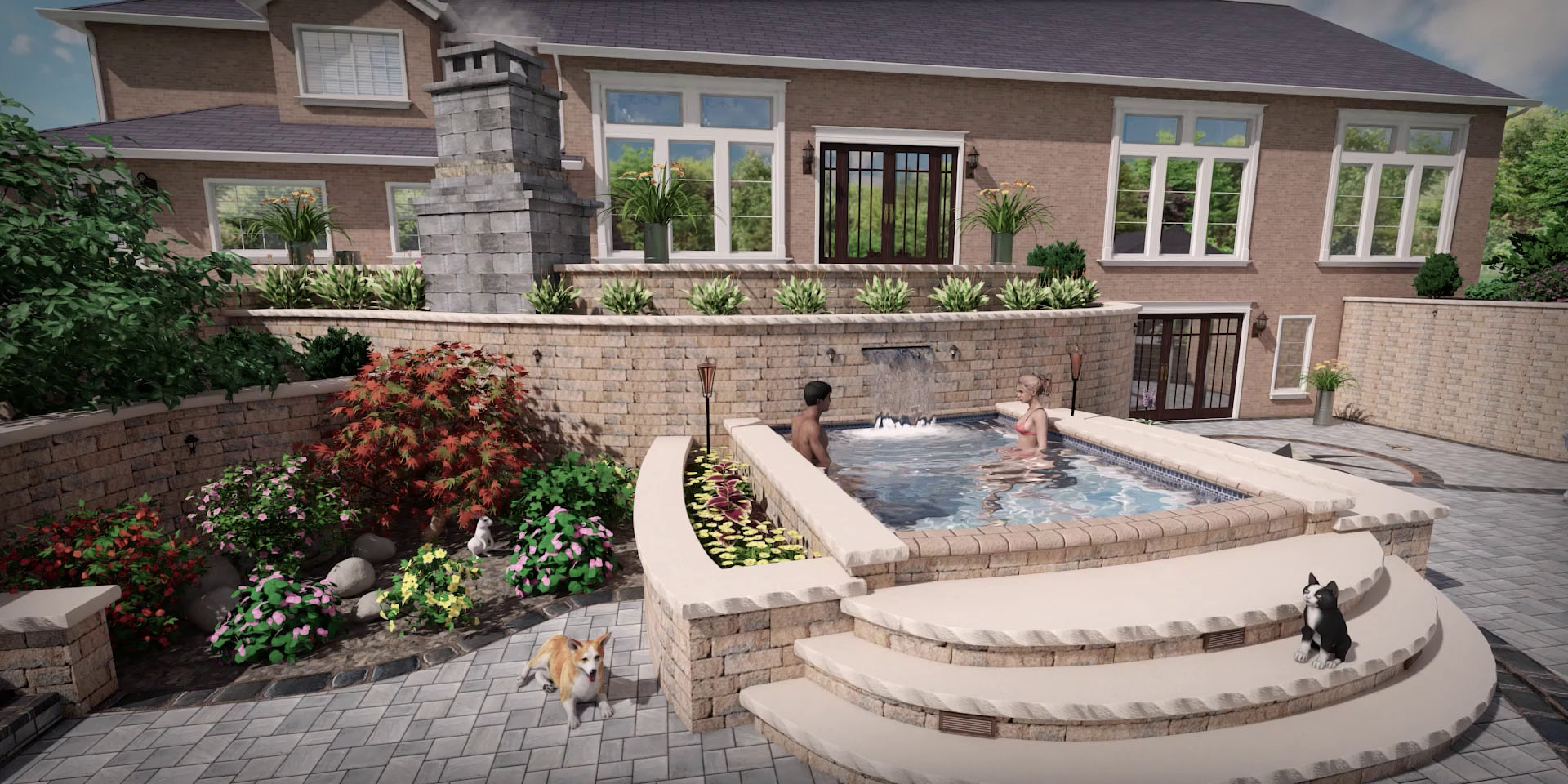
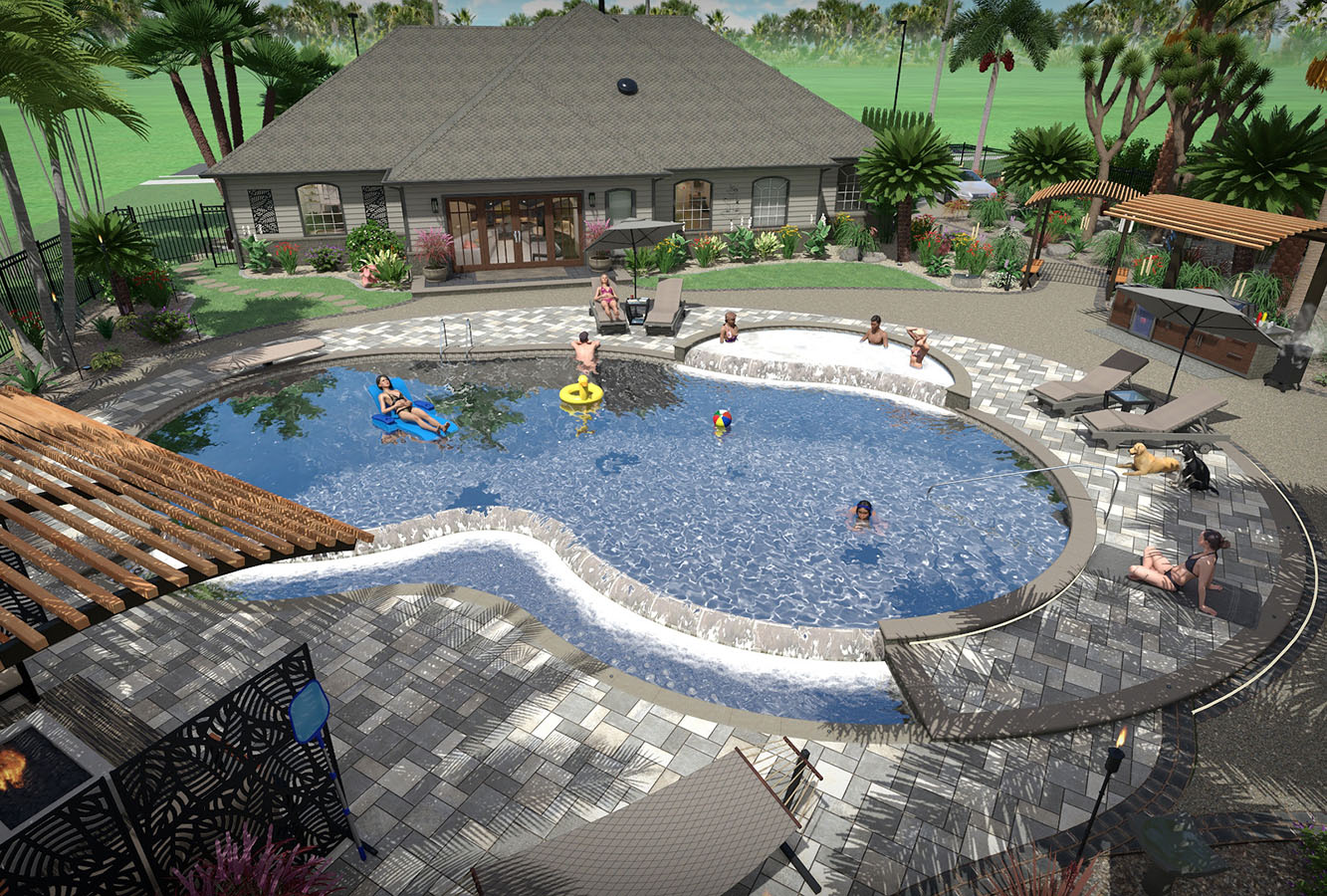
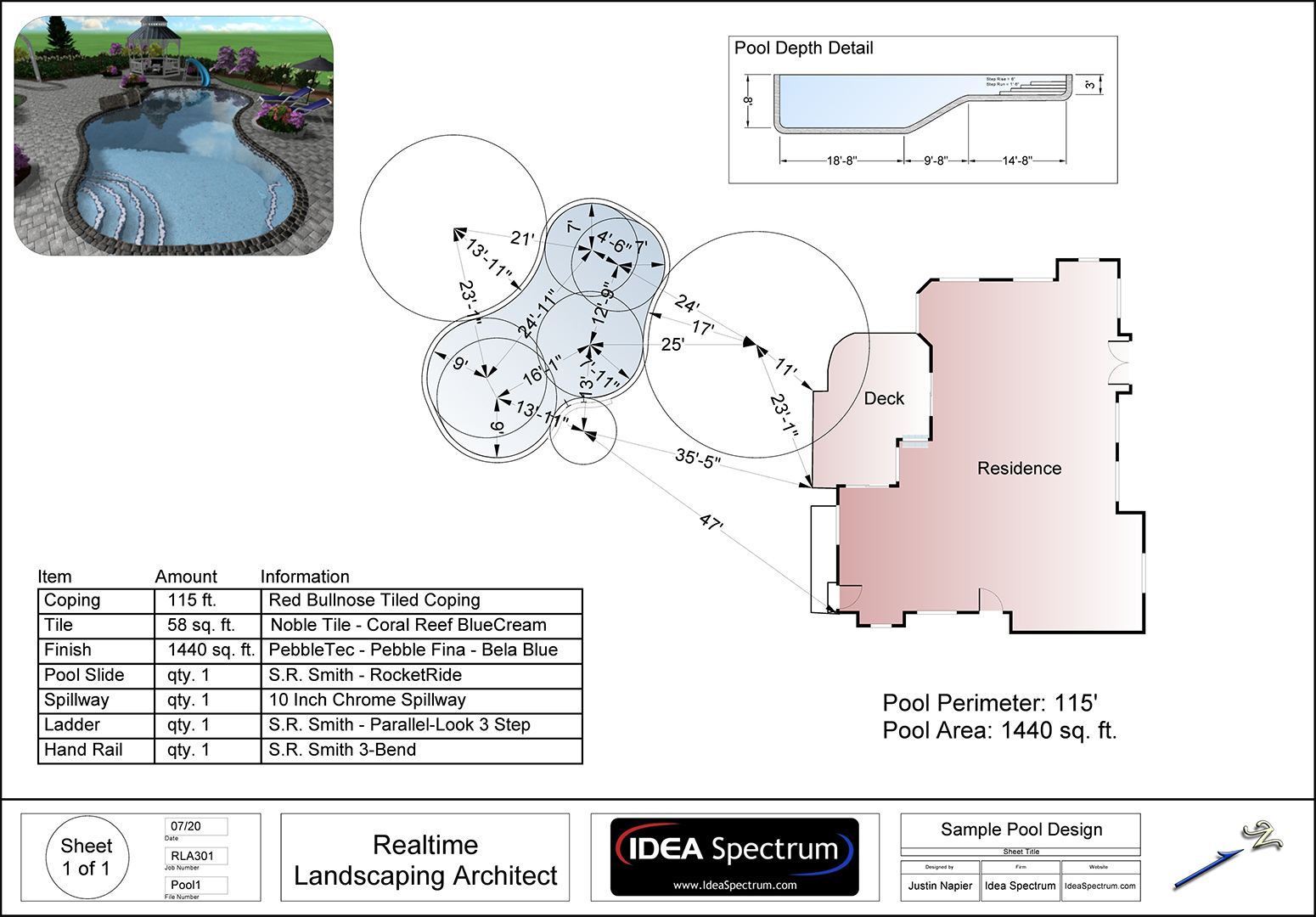
Design breathtaking swimming pools and spas. Above ground, in-ground, multiple level, and infinity edge pool styles are all supported.
Create spas that flow into pools, add pools with rockery, diving boards, or waterslides. Add products from national manufacturers such as S.R. Smith, Master Tile, and PebbleTec(tm).
Present clients with a surprisingly realistic view of your swimming pool design ideas, complete with flowing water, reflections, ripples, and even nighttime lighting.
Design Patios, Fencing, Driveways, and More
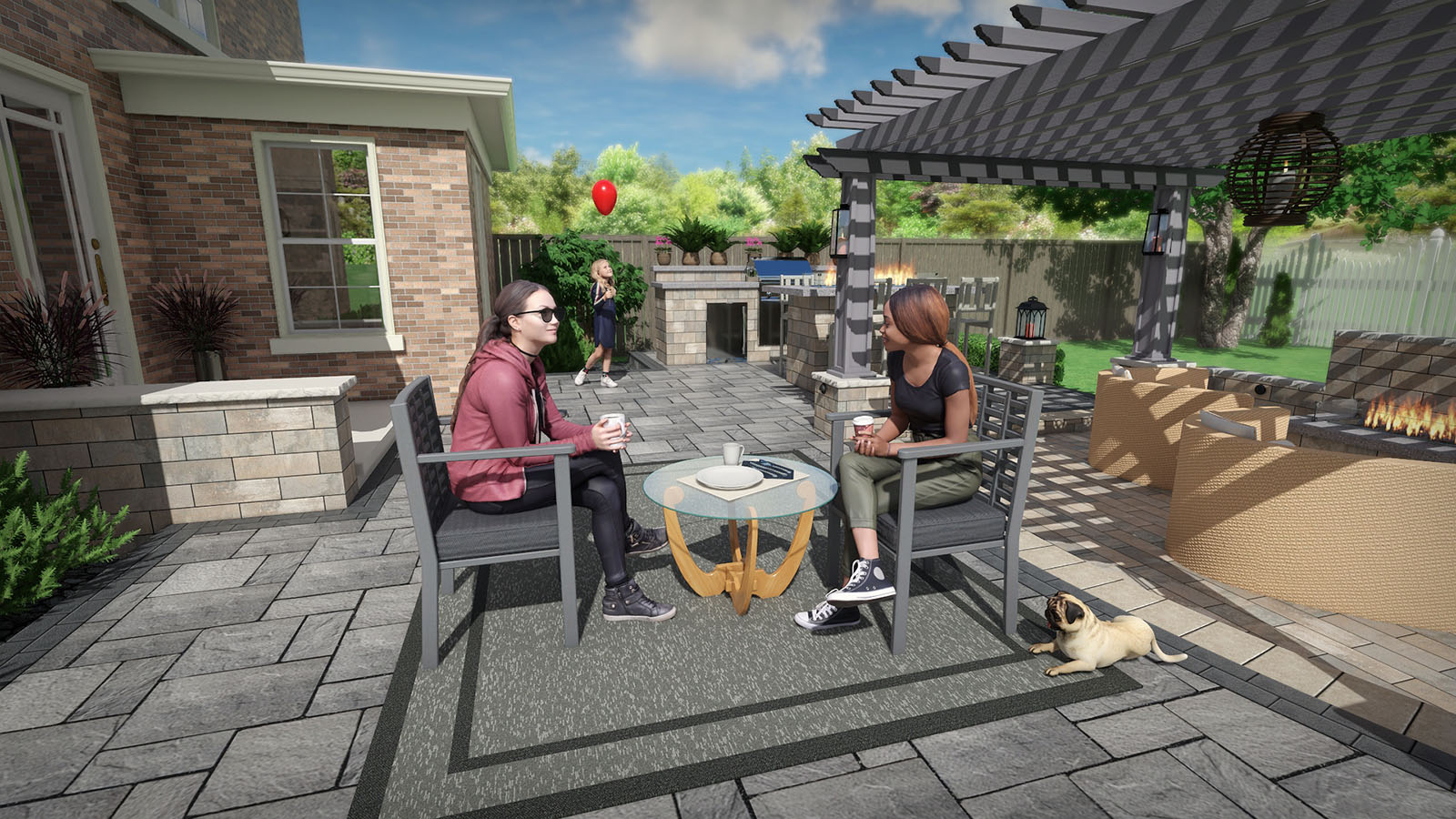
The possibilities are endless with the wide variety of tools included in Realtime Landscaping Architect. Create metal, vinyl, wood, or chain link fencing with ease. Add patios and driveways by simply drawing their shape and selecting a material. Add realistic paths, hedges, rockery, and much more.
- Fencing styles include metal, vinyl, wood, and chain link. Add fencing by simply drawing the fence shape and selecting a material. Add realistic paths, hedges, rockery, and more.
- Patios of any shape and size can be added. Belgard and Unilock materials are included. Have a custom paver? Import your own from a photo using the Wizard.
- Create driveways using powerful tools and detailed vehicles. Both sloped and flat driveways are supported.
- Landscaping paths are easily added and support hundreds of different materials. Border paths with rocks, lighting, garden designs, edging, and more.

Design Irrigation Systems
Design irrigation systems perfectly suited to your client’s landscape design.
Add sprinklers, piping, and other symbols. Set the coverage angle and radius of each sprinkler head as needed.

Create Cost Estimates and Material Lists
Quickly estimate the cost of each project using the integrated and automatic Project Material List. Simply open the list, enter prices for the different landscaping objects, and print the result.
When creating client quotes, you can export the material list to Excel and add labor, excavation, and other custom items as needed.
Design Irrigation Systems
Design irrigation systems perfectly suited to your client’s landscape design.
Add sprinklers, piping, and other symbols. Set the coverage angle and radius of each sprinkler head as needed.
Create Cost Estimates and Material Lists
Quickly estimate the cost of each project using the integrated and automatic Project Material List. Simply open the list, enter prices for the different landscaping objects, and print the result.
When creating client quotes, you can export the material list to Excel and add labor, excavation, and other custom items as needed.
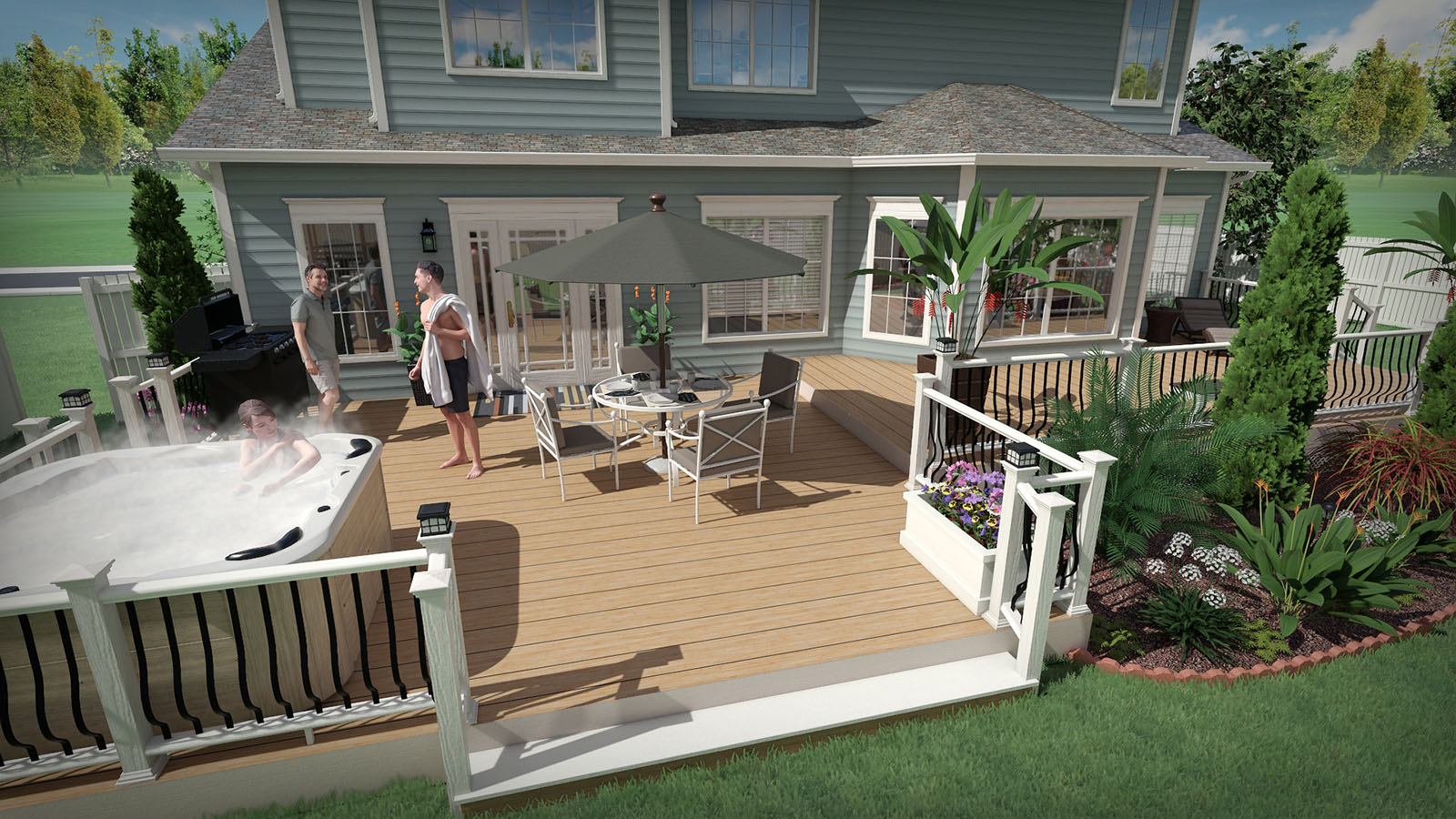
Deck Design Made Easy
Use the intuitive deck tools to create decks of virtually any size, shape, and style.
Create a deck design in as few as five clicks, and then customize your creation until you find the perfect combination of style and function.
Select one of our predefined styles to instantly visualize a new look, or design your own.
Help clients visualize your design ideas with realistic deck furniture, outdoor kitchens, and more.
Holiday Lighting and Snow Effects
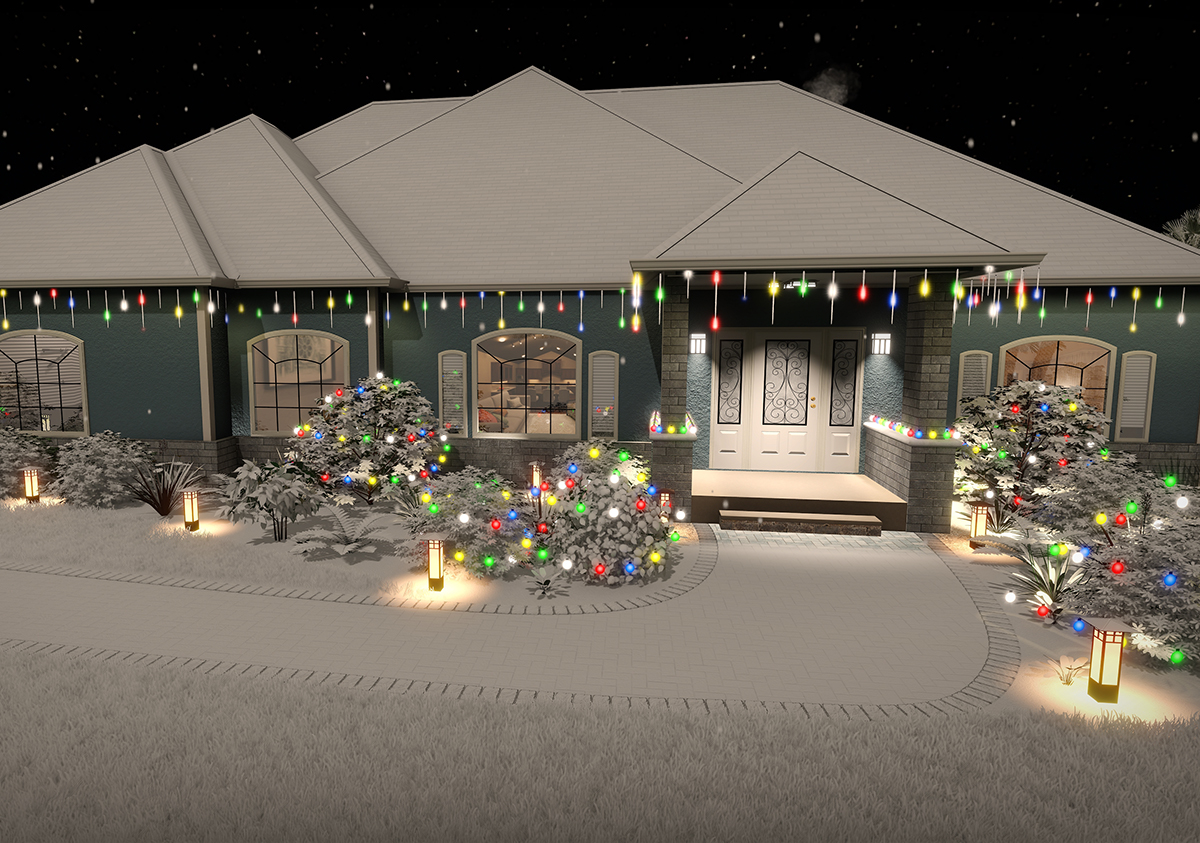
Add holiday and party lighting to your landscape design. A variety of bulb shapes and sizes are included, such as LED, c7, c9, icicle, and meteor shower. Lights can be configured to turn on automatically at night, and to animate for movies and Realtime Walkthroughs.
Create a winter version of your landscape design with just a few clicks. Options include snow density, falling snowflakes, and more.

Plants from Every Planting Zone
Choose from over 8,000 high quality plants using the built-in search tools. Locate plants that will thrive at your client’s location and add them to your landscape design with just a few mouse clicks.
Use the Plant Growth tool to help clients visualize what their landscape will look like in the future: anywhere from three months to more than 20 years. This is a great way to determine spacing and other size considerations.
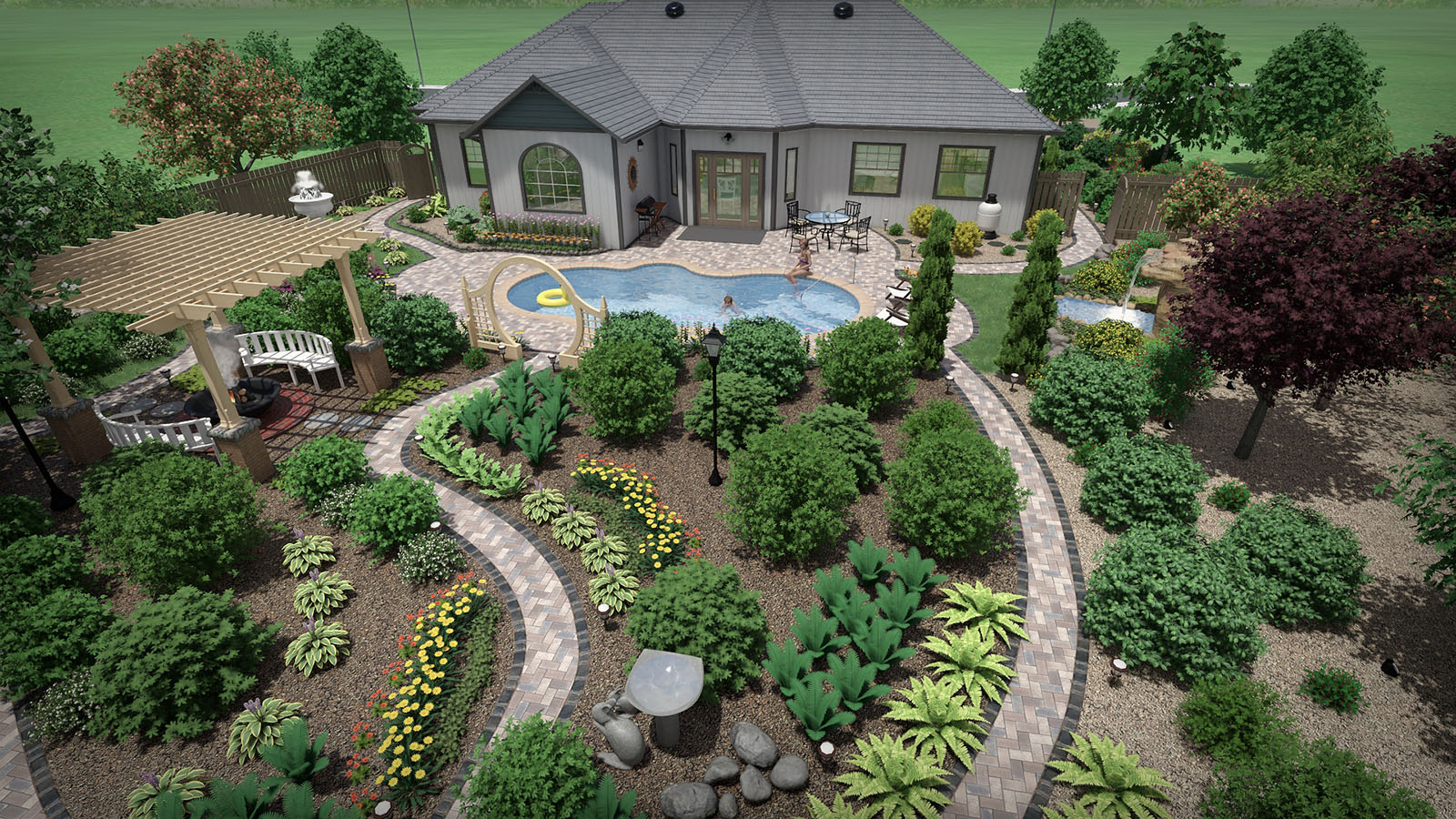
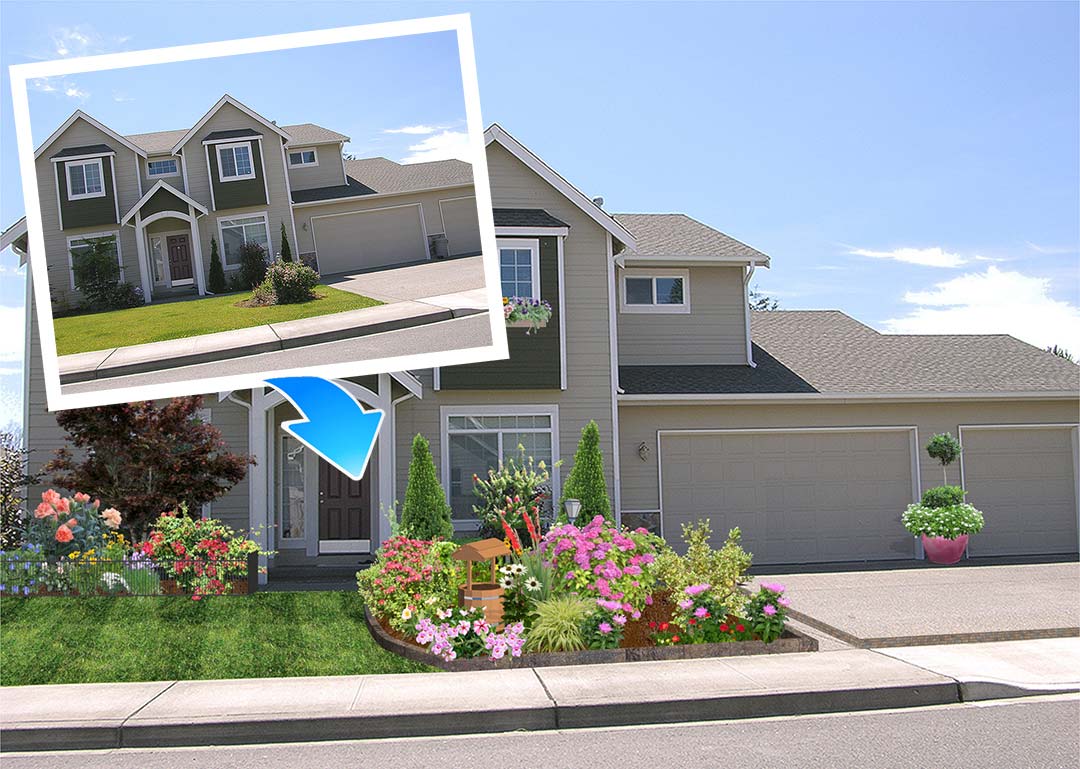
Design over a Photo or in Realistic 3D
Import a photo of your client’s property and design the landscape. Or, design their entire landscape in full 3D using powerful design tools. Mix and match methods as needed based on the needs of each client.
Surprisingly Easy to Use
Realtime Landscaping Architect was designed from the ground up to be easy to use. Whether you are designing the landscape for one home or an entire housing development, Realtime Landscaping Architect will help you create impressive landscape designs without expensive classes or training.
The software includes a built-in user guide, free email and toll-free technical support, and online tutorials. Have a question about a feature? Simply press F1.

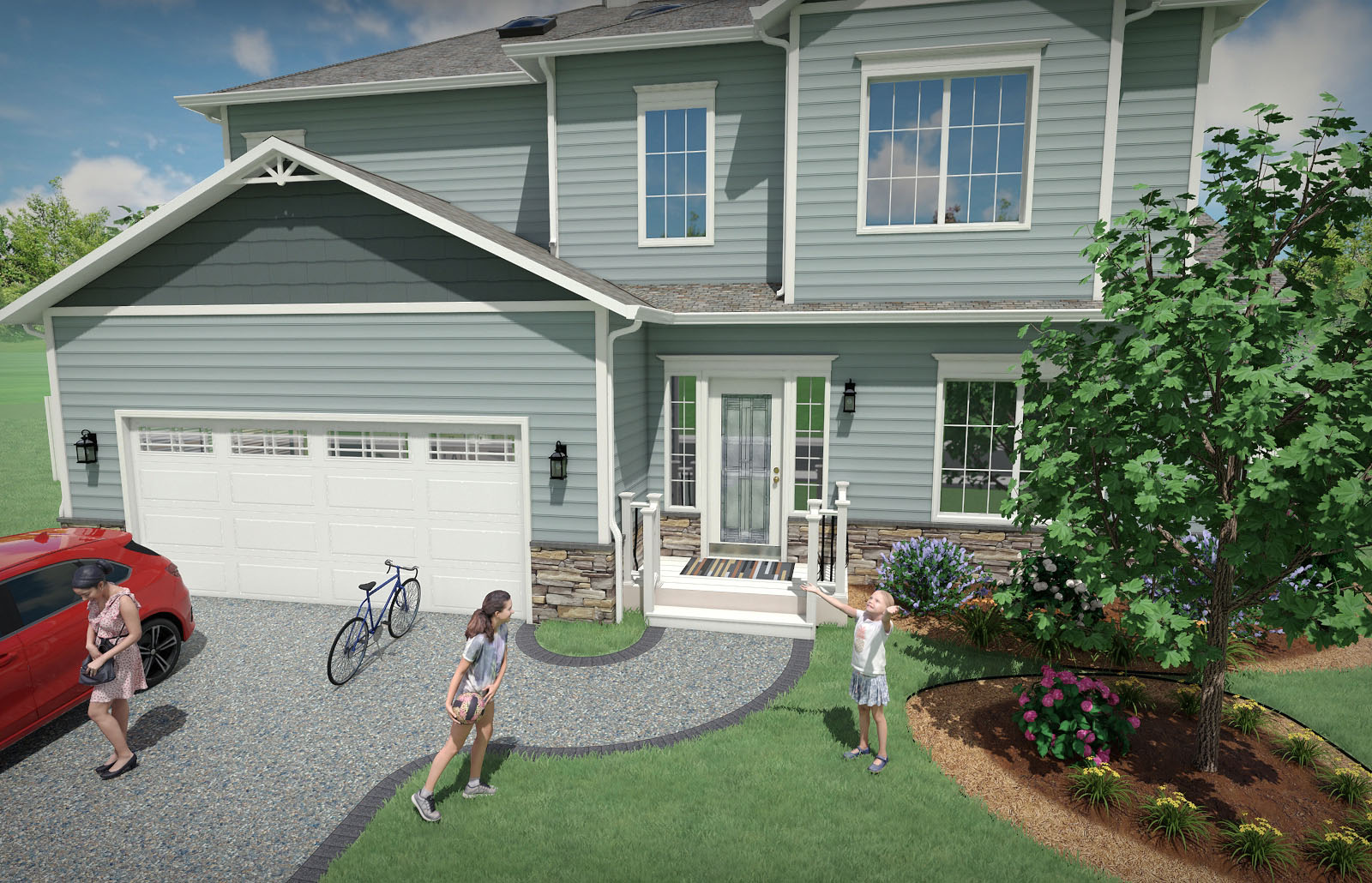
Design Single and Multi-Story Houses
Use the House Wizard to drop in a pre-built house, or create a new one from scratch. Add houses simply by drawing their outline: the walls, trim, and even the roof are all created automatically.
Easily add single and multi-story houses to your landscape design. Add doors, windows, porch lights, change the siding and roofing materials, select between gable and hip roof styles – all with just a few mouse clicks.
Only the exterior of houses are modeled, not the interior. This makes houses much easier to build and edit than traditional home design programs, and helps you focus on designing your client’s landscape. House interiors can be simulated using window “facades”.
Design Single and Multi-Story Houses
Use the House Wizard to drop in a pre-built house, or create a new one from scratch. Add houses simply by drawing their outline: the walls, trim, and even the roof are all created automatically.
Easily add single and multi-story houses to your landscape design. Add doors, windows, porch lights, change the siding and roofing materials, select between gable and hip roof styles – all with just a few mouse clicks.
Only the exterior of houses are modeled, not the interior. This makes houses much easier to build and edit than traditional home design programs, and helps you focus on designing your client’s landscape. House interiors can be simulated using window “facades”.
Garden Design and More
Create plant-filled gardens with mulch, edging, rockery, decorations, and more. Use the Plant Growth tool to help determine plant spacing. Use the realistic edging, rock border, and other tools to design complete landscapes for your clients.
Present your designs in full 3D using the Realtime Walkthrough feature, complete with lighting, shadows, and other effects.
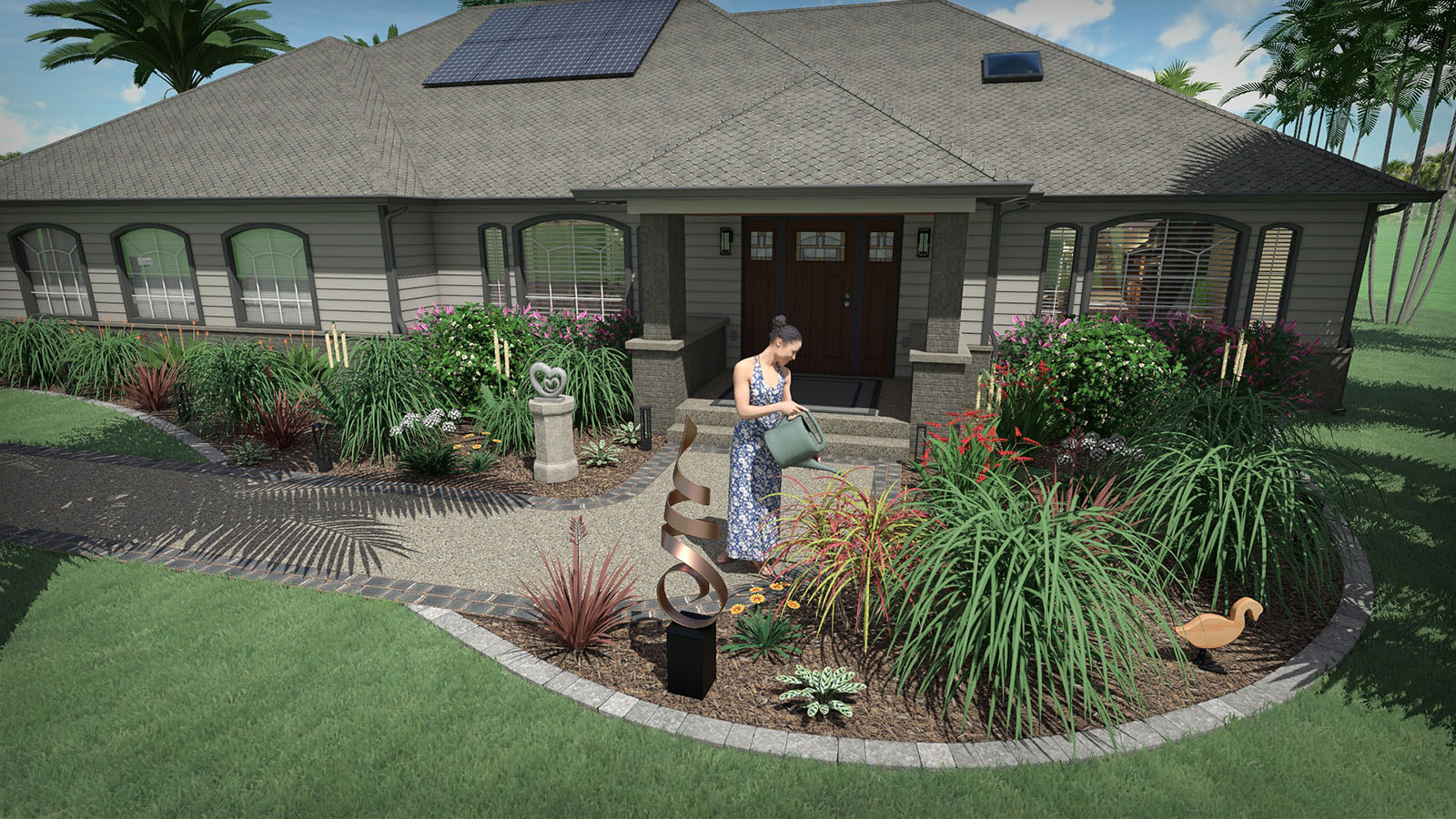
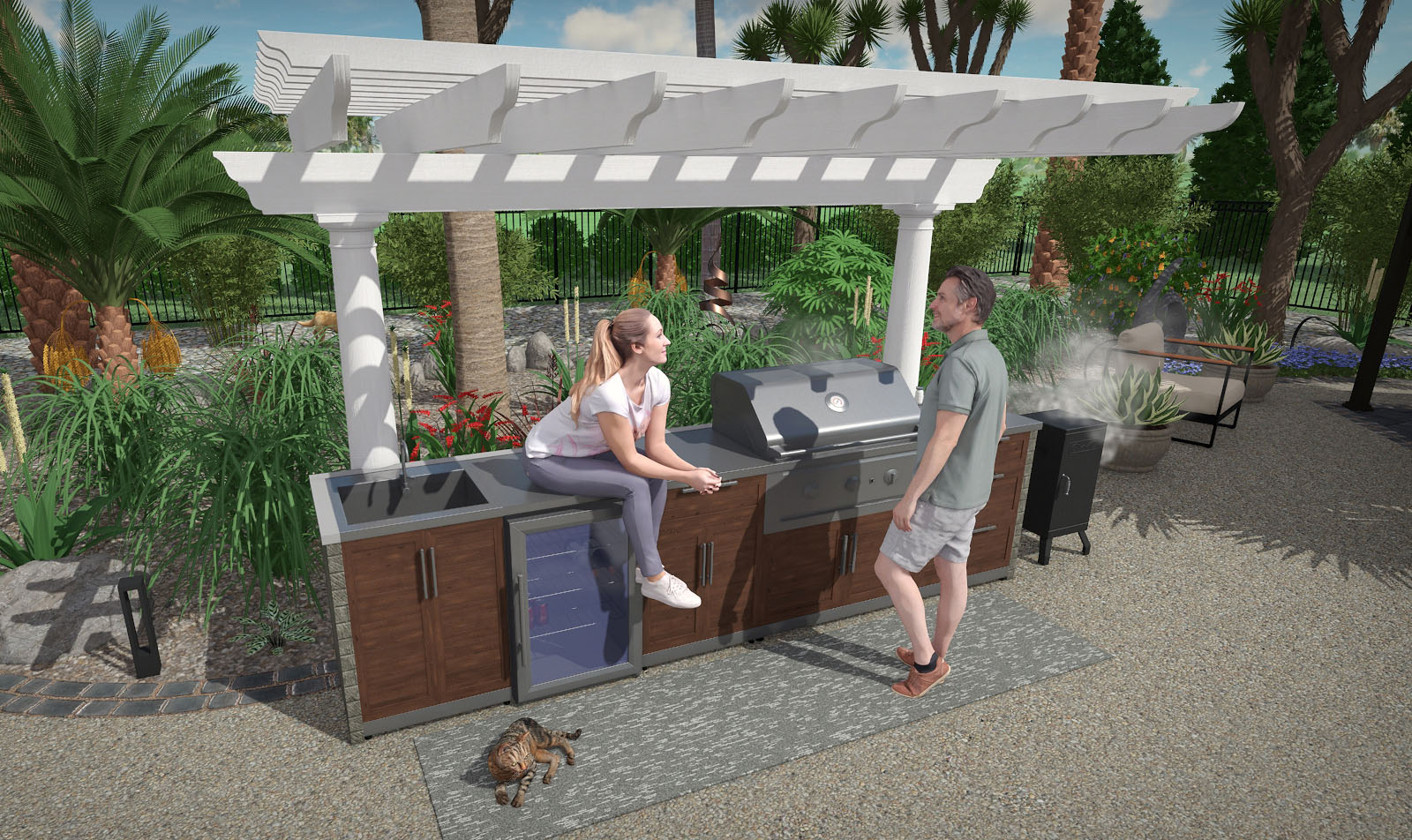
Add Lawn Furniture, Outdoor Kitchens, and More
Choose from thousands of objects to enhance your landscape designs such as swimming pool objects, 3D rockery, outdoor furniture, intricate gazebos, carports, sheds, and much more.
Choose products from national brands such as S.R. Smith, Jerith, Philips Hadco, Amarr, Kichler, Highpoint Deck Lighting, MasterTile, Noble Tile, and RicoRock.
Add Lawn Furniture, Outdoor Kitchens, and More
Choose from thousands of objects to enhance your landscape designs such as swimming pool objects, 3D rockery, outdoor furniture, intricate gazebos, carports, sheds, and much more.
Choose products from national brands such as S.R. Smith, Jerith, Philips Hadco, Amarr, Kichler, Highpoint Deck Lighting, MasterTile, Noble Tile, and RicoRock.
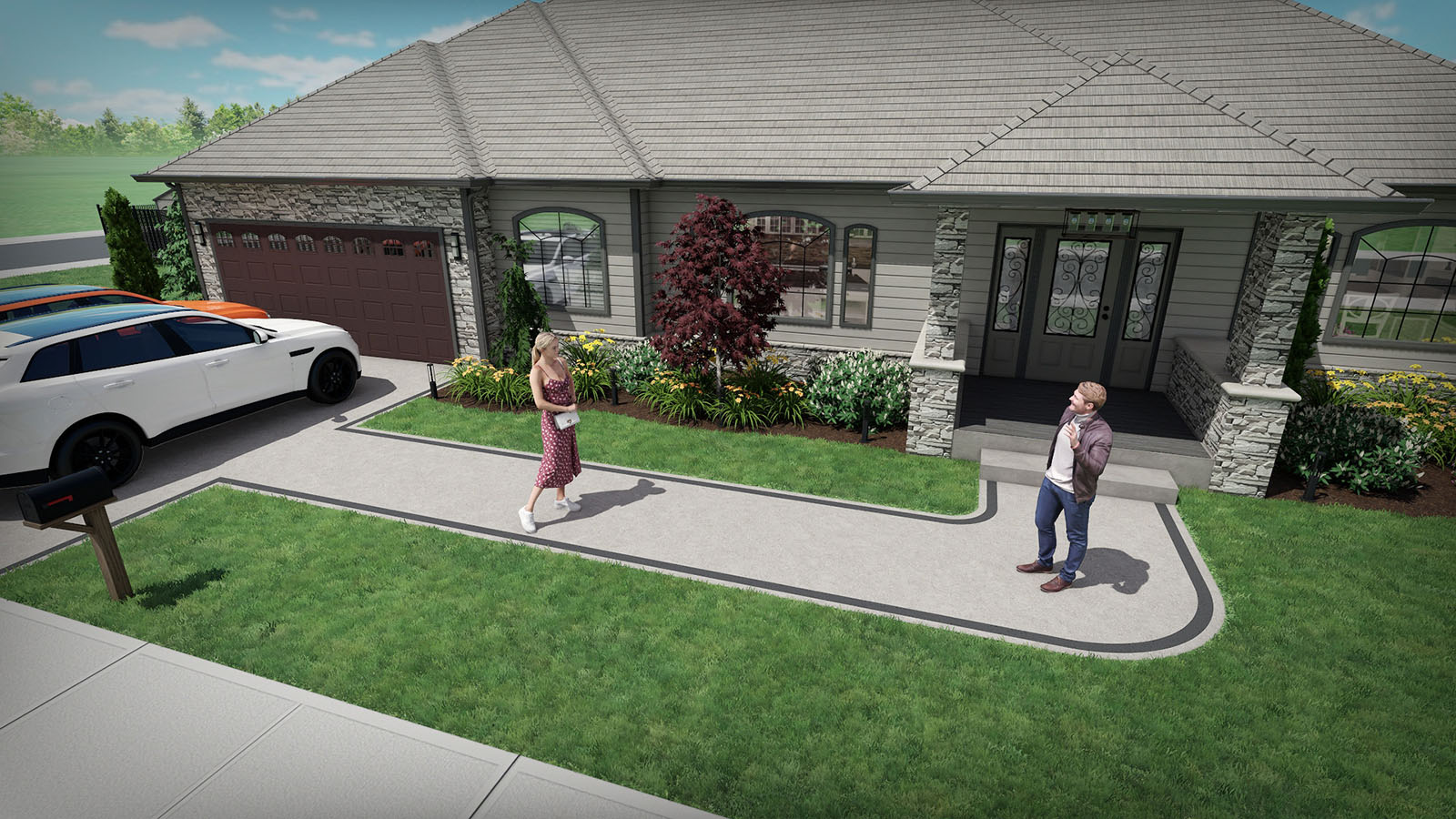
Realistic Pavers, Brick, Stone, and More
Select from a large library of professional materials including pavers, mulch, brick, wood, concrete, stacked stone, and more.
Choose from products by Belgard, Unilock, R.I. Lampus, PebbleTec, and Eldorado.
Change the color and brightness of any material as needed for each client.
Landscape Sloping or Uneven Property
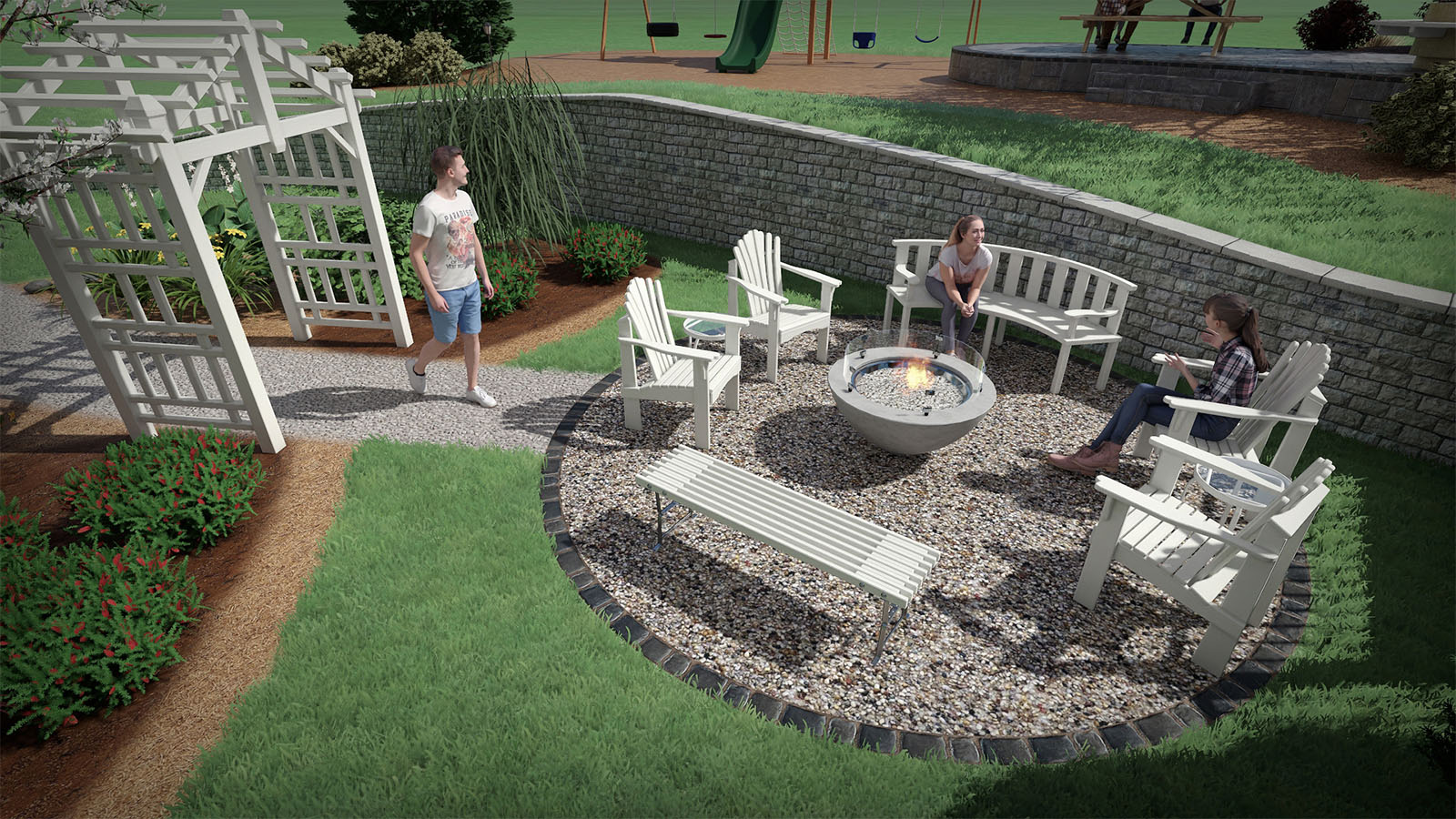
Is your client’s property sloped, on a hill, or terraced? Use the terrain sculpting tools to add slopes, hills, contour lines, and custom topology.
Modify the terrain before, during, or after creating your landscape design.
Create terraced landscape designs using the powerful Retaining Wall tool, using materials from Eldorado, Belgard, and Unilock.
Landscape Sloping or Uneven Property
Is your client’s property sloped, on a hill, or terraced? Use the terrain sculpting tools to add slopes, hills, contour lines, and custom topology. Modify the terrain before, during, or after creating your landscape design.
Create terraced landscape designs using the powerful Retaining Wall tool, using materials from Eldorado, Belgard, and Unilock.
Design Custom Ponds and Water Features
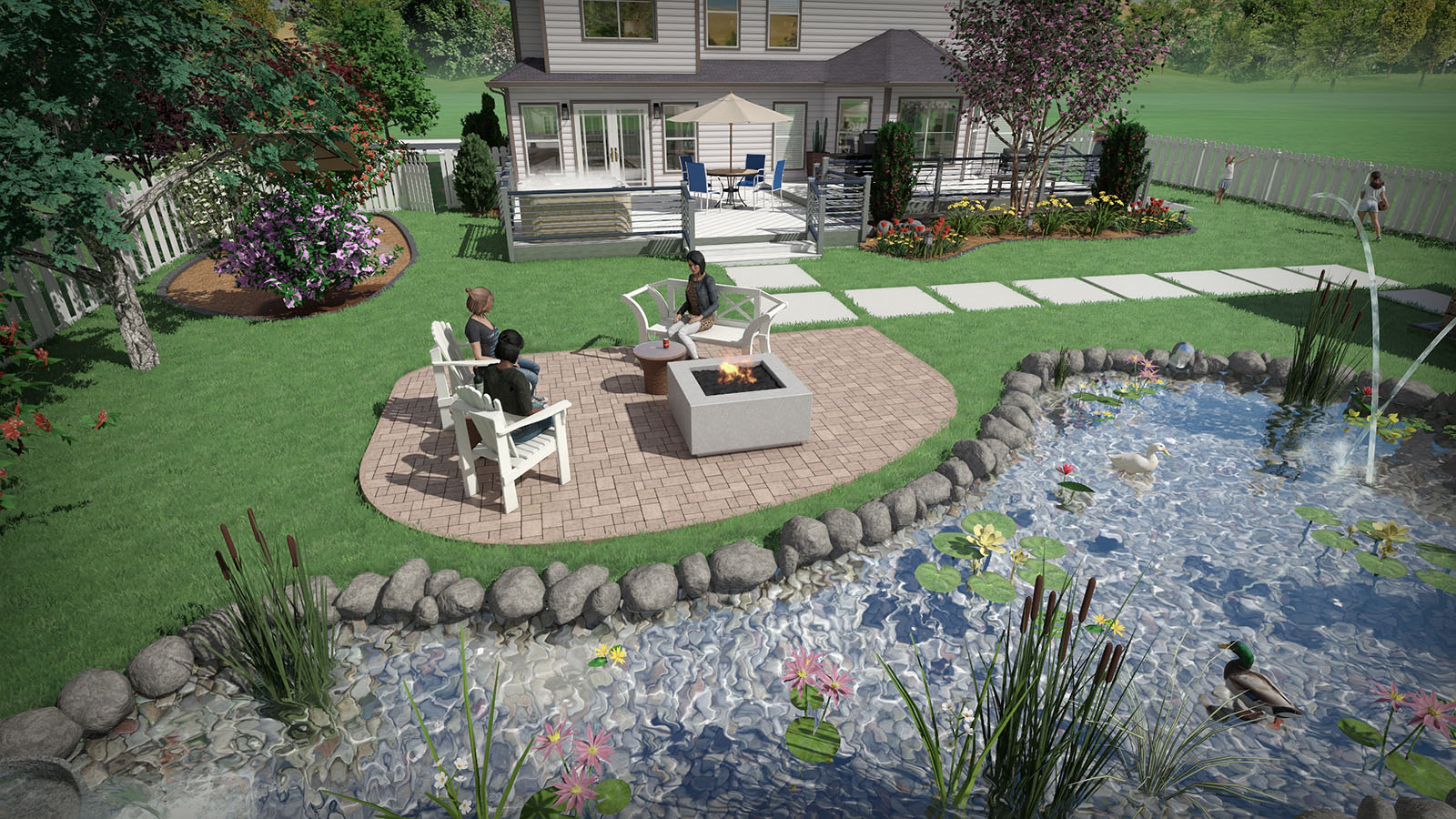
Design ponds, water gardens, and other water features using the advanced tools in Realtime Landscaping Architect. Design ponds and streams of any shape and size, add rockery, waterfalls, fountains, and jumping jets, and choose from a large library of accessories and decorations.
Using our exclusive Realtime Walkthrough feature, you can present your designs to clients in real-time 3D, complete with flowing water, koi fish, and other effects.
Design Custom Ponds and Water Features
Design ponds, water gardens, and other water features using the advanced tools in Realtime Landscaping Architect. Design ponds and streams of any shape and size, add rockery, waterfalls, fountains, and jumping jets, and choose from a large library of accessories and decorations.
Using our exclusive Realtime Walkthrough feature, you can present your designs to clients in real-time 3D, complete with flowing water, koi fish, and other effects.
Import Models, Images, and CAD Drawings
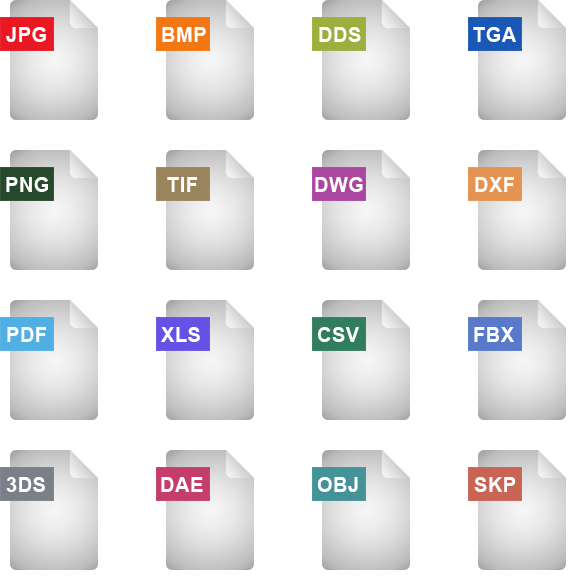
Import models from a variety of industry standard file formats, including: Autodesk FBX, 3D Studio 3DS, Collada DAE, Wavefront OBJ, and SketchUp SKP.
Import images in JPG, BMP, DDS, TGA, PNG, and TIF format.
Import DWG, DXF, and PDF files. Design directly on top of site plans and other CAD drawings for accurate scale and placement.
Extract shapes and contour lines from DWG and DXF files. Create lot boundaries, building outlines, and even entire topology using shapes from your existing CAD drawings.
Import terrain elevations from CAD files in DWG and DXF format, as well as elevation points in XLS, XLSX, and CSV format. This is useful for importing elevation data from other CAD software or from files generated by GPS survey equipment.
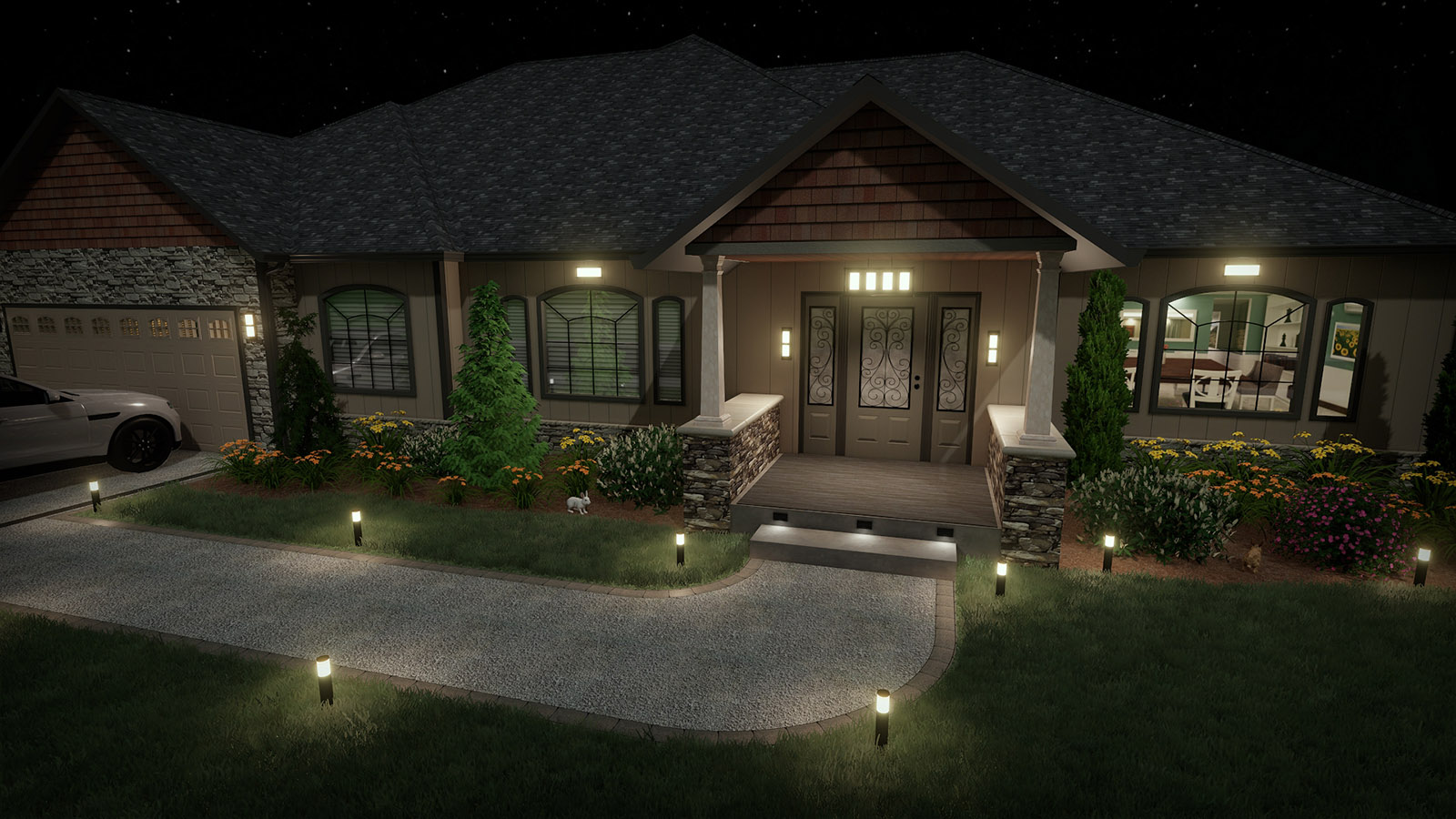
Design Landscape Lighting
Help clients visualize your landscape lighting ideas using products from Philips Hadco, Kichler, and Highpoint. Any number of landscape lights, house lights, and swimming pool lights can be added to your landscape designs. Show clients impressive nighttime pictures and walkthroughs complete with realistic lighting and shadows.
Compelling Client Presentations
Present your design ideas and proposals using a variety of methods. Print your designs to any color printed supported by Windows. Send your design to a print shop in PDF or JPG format. E-mail 2D plans and 3D pictures of your designs. Create a video of your landscape design and upload to YouTube or copy to USB.

Create 3D Panoramas for Youtube and Facebook
Upload interactive designs to social media and image sharing sites. Your clients can look around the design freely, either standing in place or while moving through the landscape in a video. Capture even more detail with an increased resolution output limit of 8192×8192.
Already own Architect? Upgrade Now
Already own Architect? Upgrade Now
Download Immediately: After making a purchase, you will receive a personal download link.

"The software is a complete set of tools for designing lawns, buildings, decks, patios, edging, retaining walls and other landscaping features." - Landscape Architect magazine review
Download Immediately: After making a purchase, you will receive a personal download link.

30 Day Money Back Guarantee
If you are not 100% satisfied with Realtime Landscaping Architect, simply return it within 30 days for a full refund. More