
How our Landscape Design Software is Different
Easy to Use
Our landscape design software is friendly and accessible to people of all experience levels. It has many advanced features not found anywhere else, yet is fun and easy to use. No CAD or landscape design experience is required.
“Thank you very much for your great software. This is one of the best landscape design programs that I have used (I have two others). It is extremely easy to use and the 3D walk through is awesome.”– Melody C. Cepeda
Free technical support
All Idea Spectrum products feature free technical support. A 30-day money back guarantee ensures the software will meet your needs.
Integrated help
Comprehensive help is built right into our software. For example, for instructions on how to build a house, click the House tool and press F1.
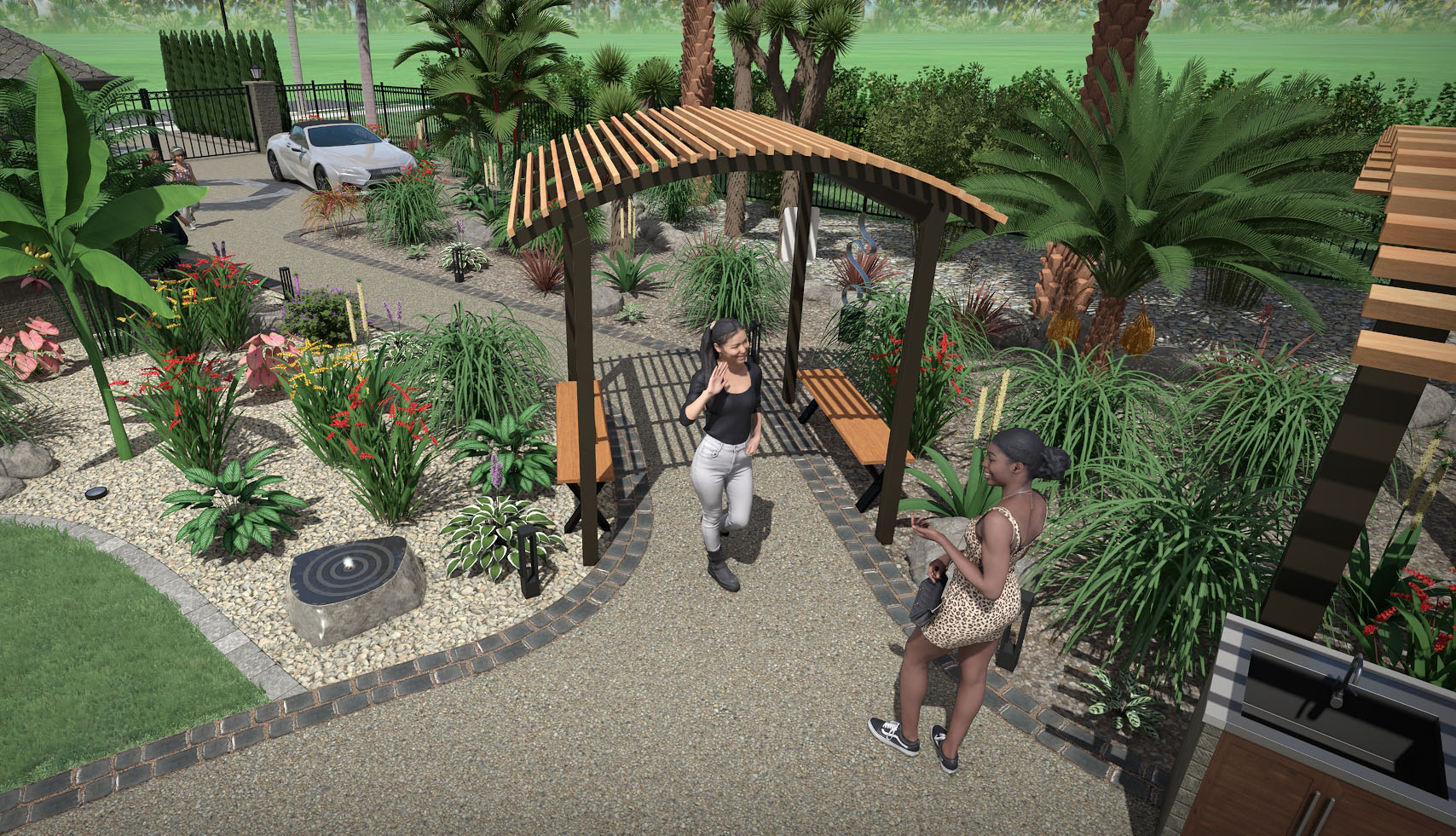
Ultra-realistic plants
Our plants are very high resolution and ultra realistic, and were created exclusively for use in our landscaping software. This is why our software requires Windows Vista or higher; older computers simply don’t have enough power to process this much data. The quality difference is surprising, especially when creating full-screen presentations, printouts, and videos.
Create custom plant varieties using the plants included as a starting point. Import pictures of plants taken yourself or downloaded from the Internet. Our software includes a picture editor with powerful tools for removing the background of plants, as well as many other image editing features.
Realtime photo-realistic walkthroughs
In most landscaping software, you can only render one viewpoint at a time: a process that often takes several minutes or more. Realtime Landscaping Pro and Realtime Landscaping Plus both give you an incredibly realistic experience with lighting, shadows, and other effects, all in real-time. (A modern GPU is required for best results.)
Freely edit in both 2D and 3D
Our 3D software lets you freely switch between 2D and 3D, even while creating objects. This makes it easier to set elevations, place doors and windows, define slopes and hills, and perform other tasks that benefit from a 3D perspective.
Design swimming pools and water gardens
Realtime Landscaping Architect and Pro provide comprehensive support for swimming pools, spas, ponds, waterfalls, fountains, streams, and other water features. Using advanced water motion physics, the water flows and ripples realistically during a Realtime Walkthrough.
High quality printouts and screen shots
Print to multiple sheets and join them together for a poster-size printout. Render high-resolution screen shots for use in client proposals and other presentations. All Windows-compatible bitmap printers are supported, including ink-jet and color laser.
Edit an object’s options without bringing up a dialog box
Quickly changing an object, such as raising the elevation of your deck, makes it easy to experiment. Most landscaping software requires you to activate a dialog box, tab to an options page, make the change, click OK, and only then is your change visible. With Idea Spectrum software, these options are always present on the screen.
Create slopes and hills
Many building lots have slopes and hills that must be accommodated. Our 3D landscaping software provides tools for adding slopes, hills, retaining walls, sloping driveways, building pads, and more. You can even adjust the height of the terrain at individual points.
Edit multiple objects at once
Suppose you have added landscape lights throughout your property, but then decide you want a different style. Having to edit each light individually would be a tedious process. With our landscaping software, you can select all of them with only a few clicks, and make the change just once.
Layers
Layers are a great way to organize complex landscape designs. For example, once you finish designing your garden, you can prevent it from being changed while you focus on other areas of your landscape.
Work with groups of objects
Suppose you create your house, but then decide to move it. In some landscaping software, you would have to do this one wall at a time; a frustrating process to say the least. With Idea Spectrum software, you can work with groups of objects for easier editing.
Import custom models and materials
Professional landscapers that customize their presentations are more likely to win bids. All of our landscape design software supports importing models in 3DS and SketchUp format. You can choose from thousands of free models from the 3D Warehouse for use in your landscape designs. Simply search for “3D Warehouse” using Google. You can also import custom wood, tile, and other materials.