
Realtime Landscaping Plus
Winner of the TopTEN award for best landscape software.
Realtime Landscaping Plus is the perfect software
for visualizing your landscape design ideas. Only $149
2026 Now Available. See What's New
Already own Plus? Upgrade Now
Realtime Landscaping Plus
Winner of the TopTEN award for best landscape software.
Realtime Landscaping Plus is the perfect software
for visualizing your landscape design ideas. Only $149
2026 Now Available. See What's New
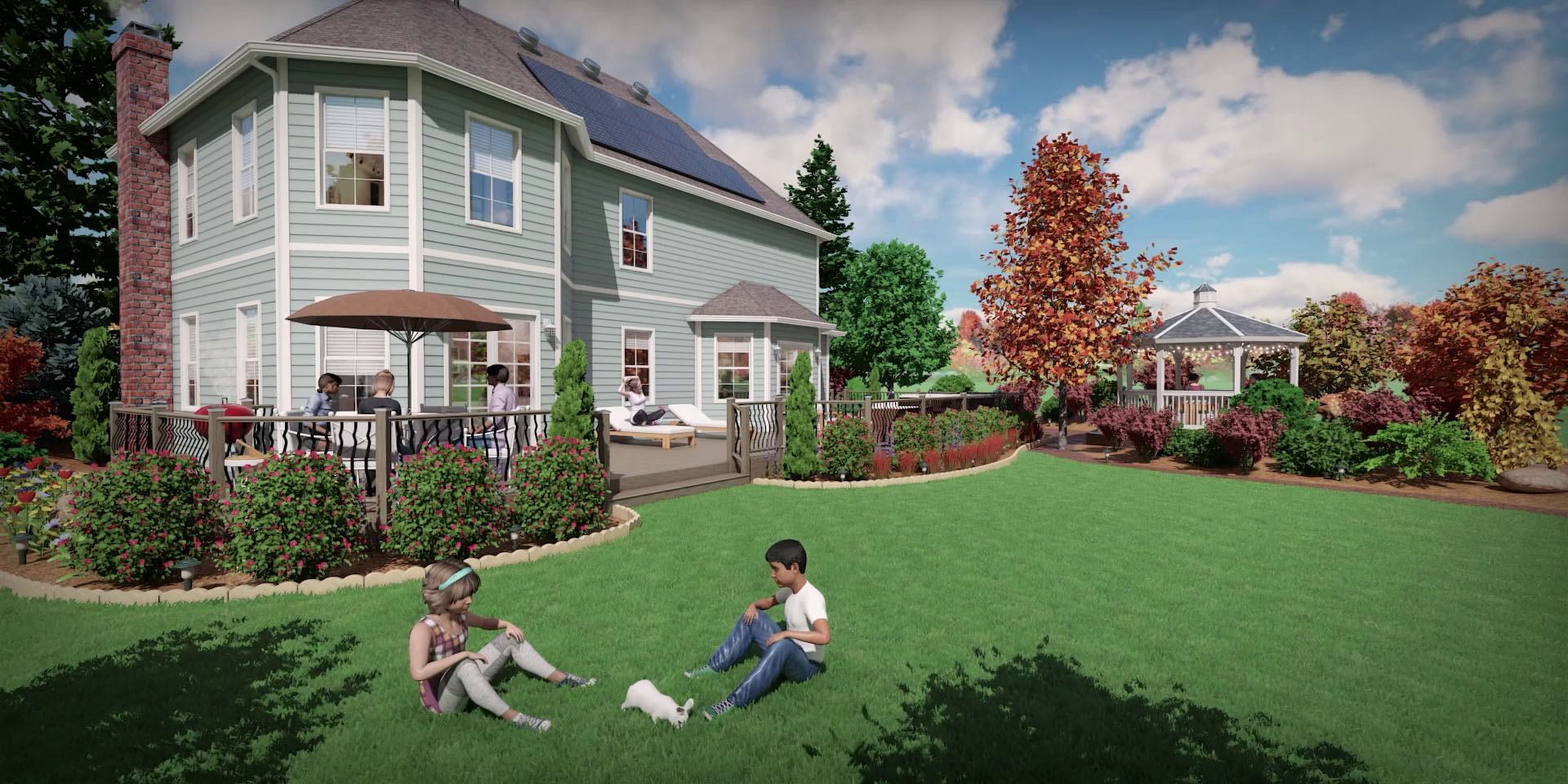
Easy Landscape Design Software
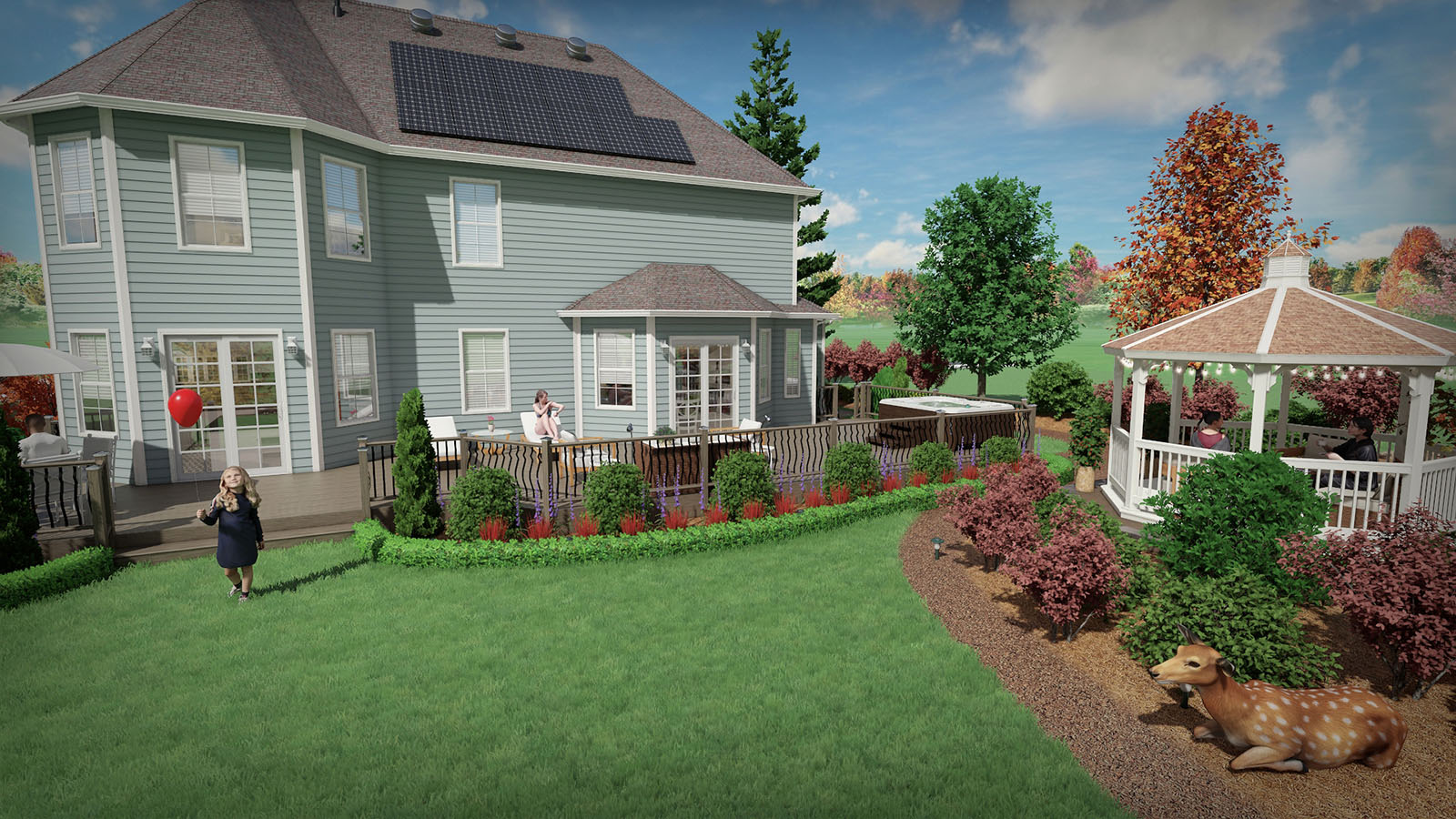
Visualize your Garden Design Ideas
Create plant-filled gardens with mulch, edging, rockery, decorations, and more.
See how your garden designs will look over the years using the Plant Growth tool, and determine in advance how much room each plant will likely need.
View your gardens in realistic 3D using the Realtime Walkthrough feature, and discover which plants fall under shadow throughout the day.
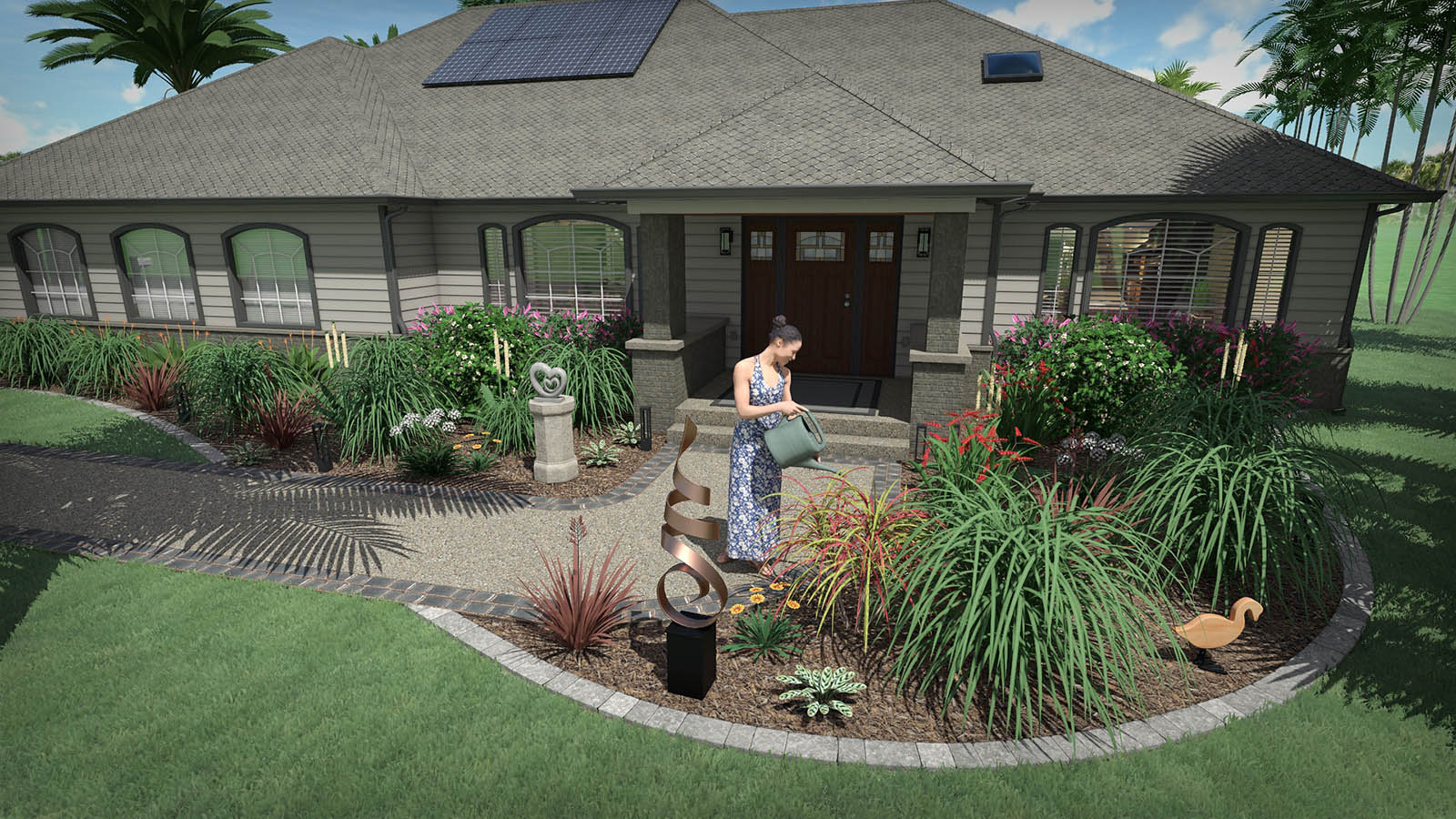
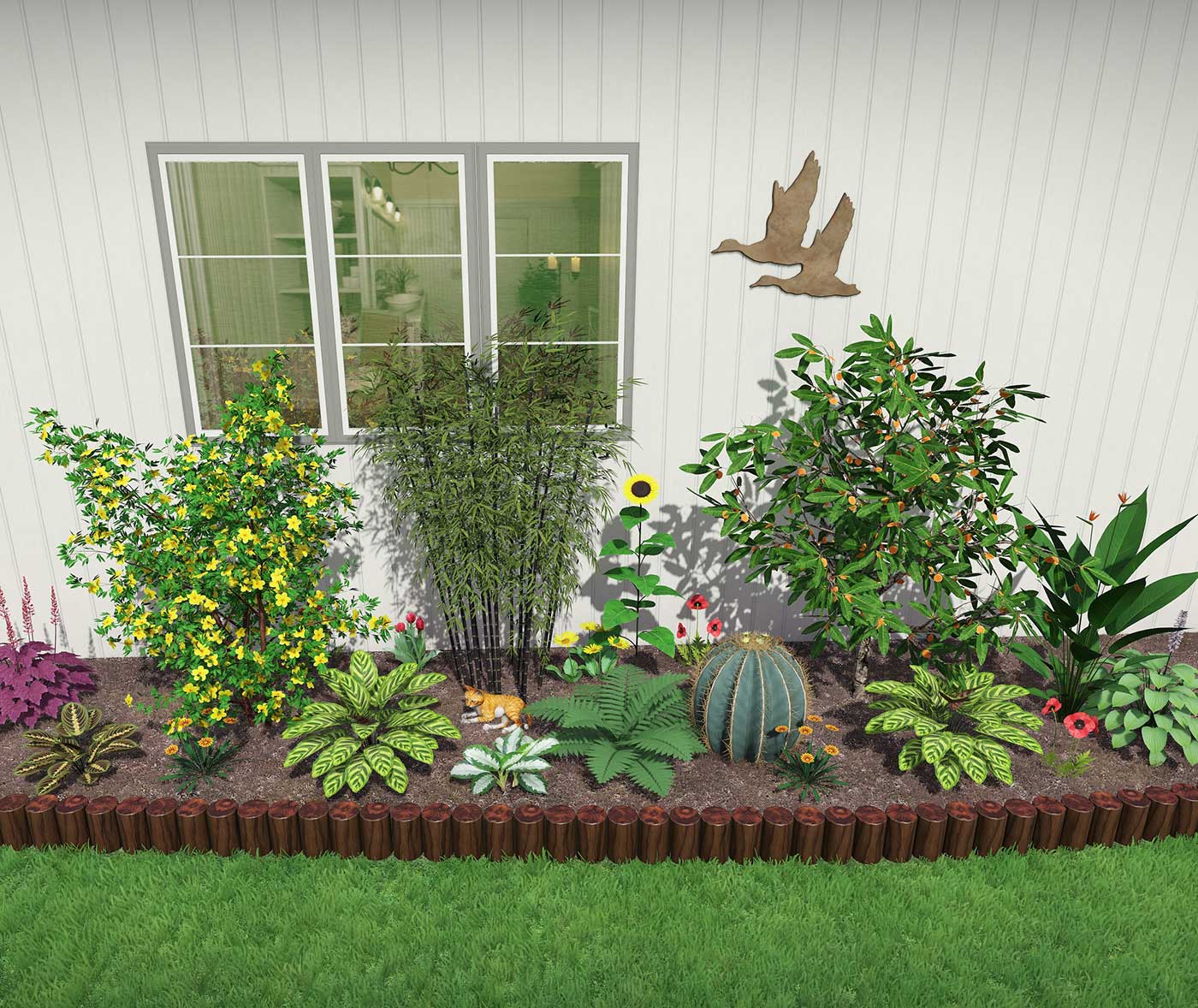
Huge Selection of High Quality Plants
Realtime Landscaping Plus comes with over 5,900 highly detailed landscaping plants, including trees, shrubs, flowers, cactus, palms, and more.
Plant information includes common name, botanical name, planting zones, and size.
Huge Selection of High Quality Plants
Realtime Landscaping Plus comes with over 5,900 highly detailed landscaping plants, including trees, shrubs, flowers, cactus, palms, and more.
Plant information includes common name, botanical name, planting zones, and size.
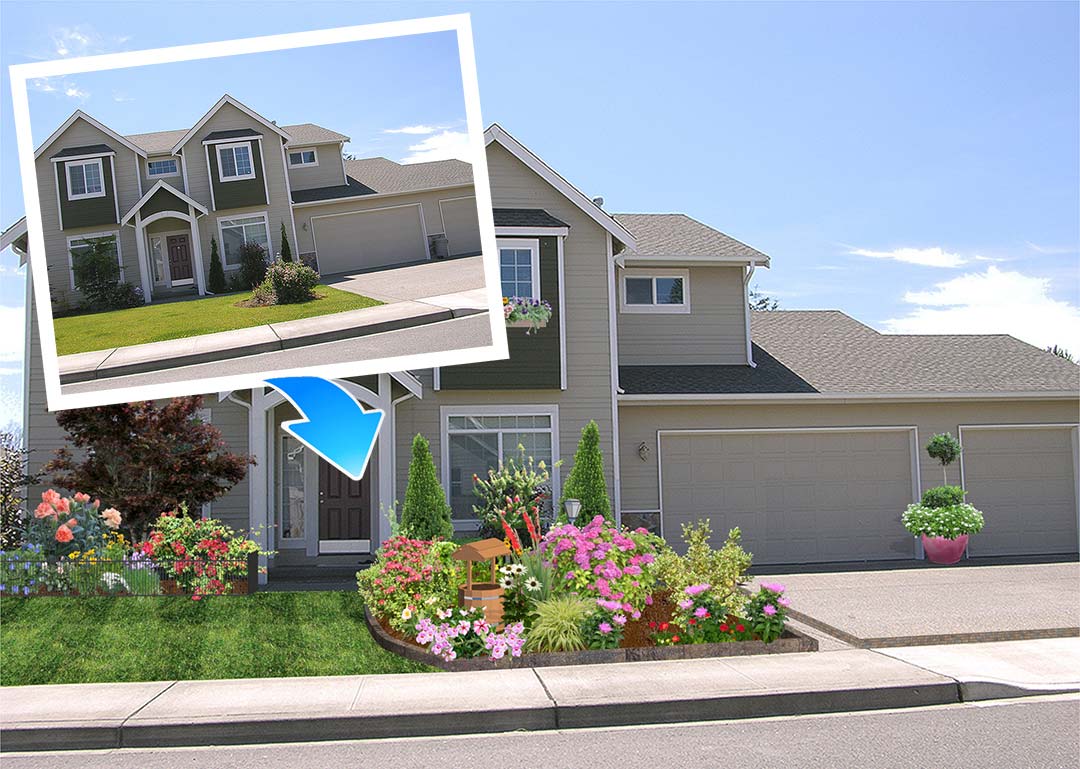
Design over a Photo or in Realistic 3D
Import a digital photograph of your house and design the surrounding landscape.
Or, if you would rather create a fully 3D house, you can do that too using the large library of doors, windows, siding, and roofing that are included.
These two methods of visualizing your landscape design will guarantee that you are able to realize your landscaping ideas.
No Experience Required
Realtime Landscaping Plus was designed from the ground up to be easy to use for anyone. Unlike other landscaping software, no prior landscape design or CAD experience is required.
The software includes a printed quick-start guide and built-in user manual. Have a question about a feature? Simply press F1.
Whether you’re a homeowner or professional designer, our comprehensive user guides, free technical support, and online tutorials will help you design the perfect landscape.

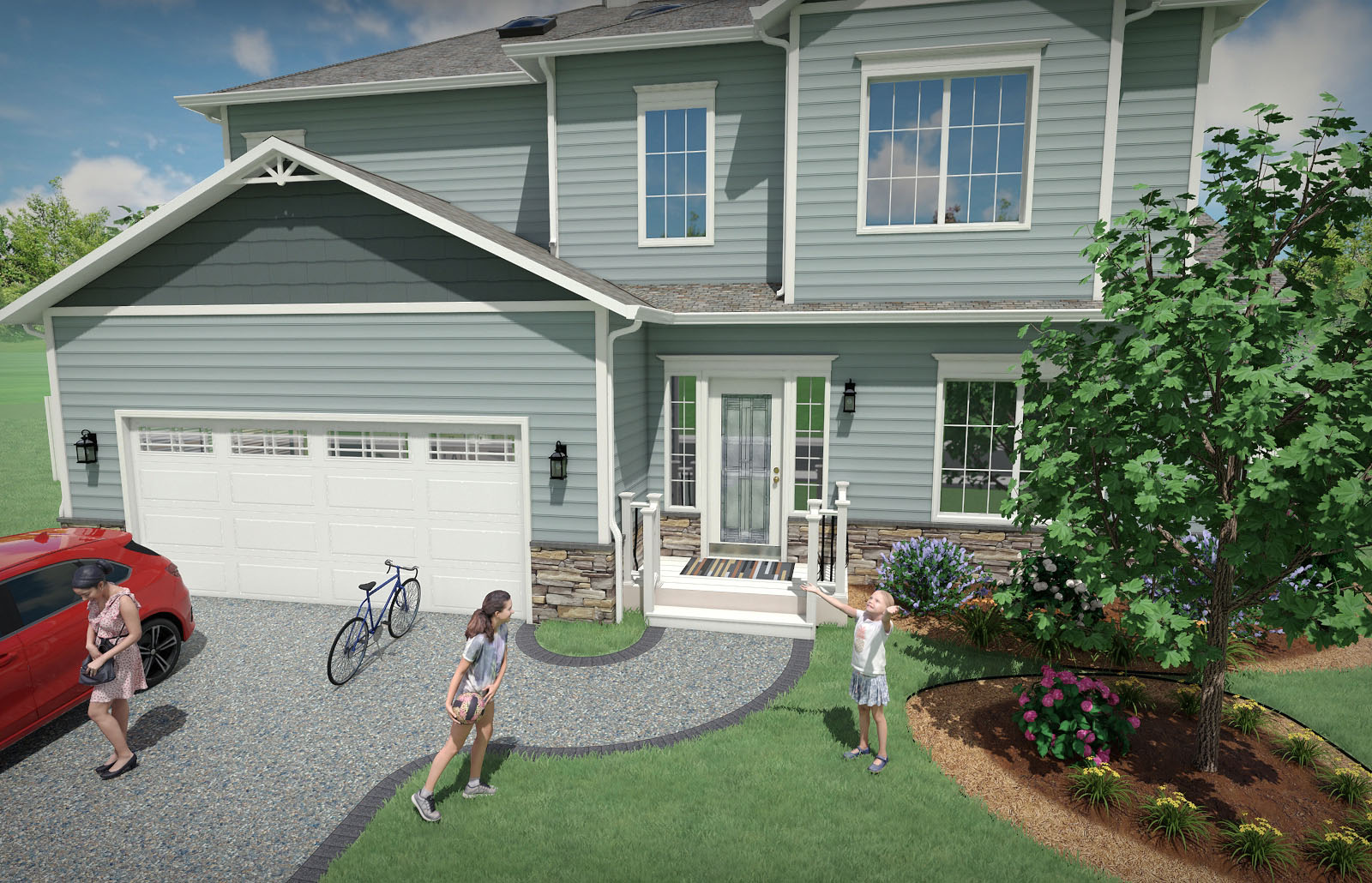
Add a New or Existing House
Use the House Wizard to drop in a pre-built house, or create your own.
Add houses simply by drawing their outline: the walls, trim, and even the roof are all created automatically. Easily add single and multi-story houses to your landscape design.
Add doors, windows, porch lights, change the siding and roofing materials, select between gable and hip roof styles – all with just a few mouse clicks. Only the exterior of houses are modeled — not the interior. This makes houses much easier to build and edit than traditional home design programs, and helps you focus on designing the landscape.
Easily simulate house interiors using window “facades”.
Add a New or Existing House
Use the House Wizard to drop in a pre-built house, or create your own.
Add houses simply by drawing their outline: the walls, trim, and even the roof are all created automatically. Easily add single and multi-story houses to your landscape design.
Add doors, windows, porch lights, change the siding and roofing materials, select between gable and hip roof styles – all with just a few mouse clicks. Only the exterior of houses are modeled — not the interior. This makes houses much easier to build and edit than traditional home design programs, and helps you focus on designing the landscape.
Easily simulate house interiors using window “facades”.
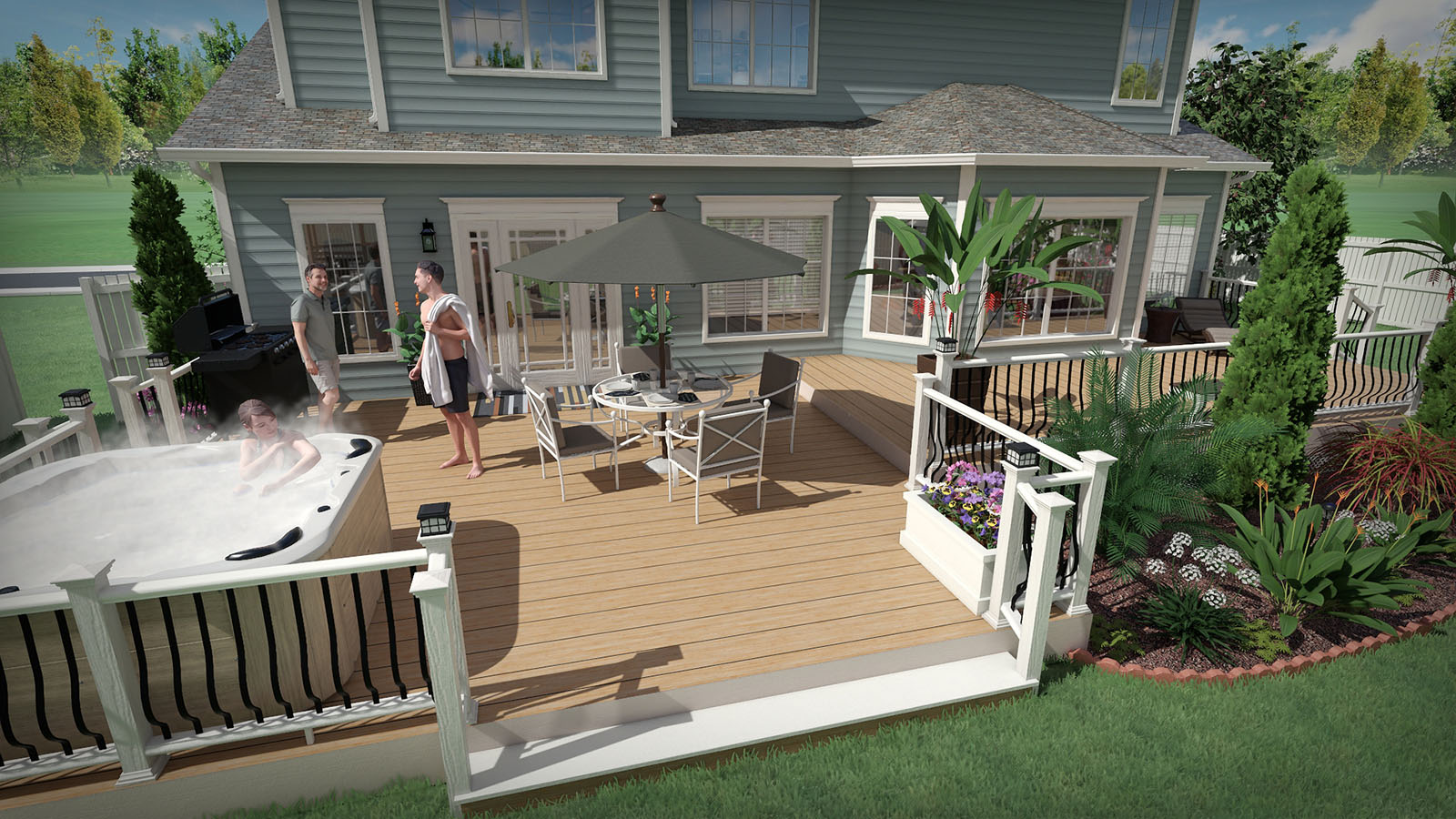
Design Single and Multi-Level Decks
Design decks of practically any shape and size using the integrated deck design tools.
To get started, just draw the deck’s outline and the software will do the rest. Choose one of the predefined styles or design your own. Customize your deck designs using a wide variety of railing, balusters, posts, materials, and other options.
When your deck is finished, complete your design by adding deck furniture, outdoor kitchens, and more.
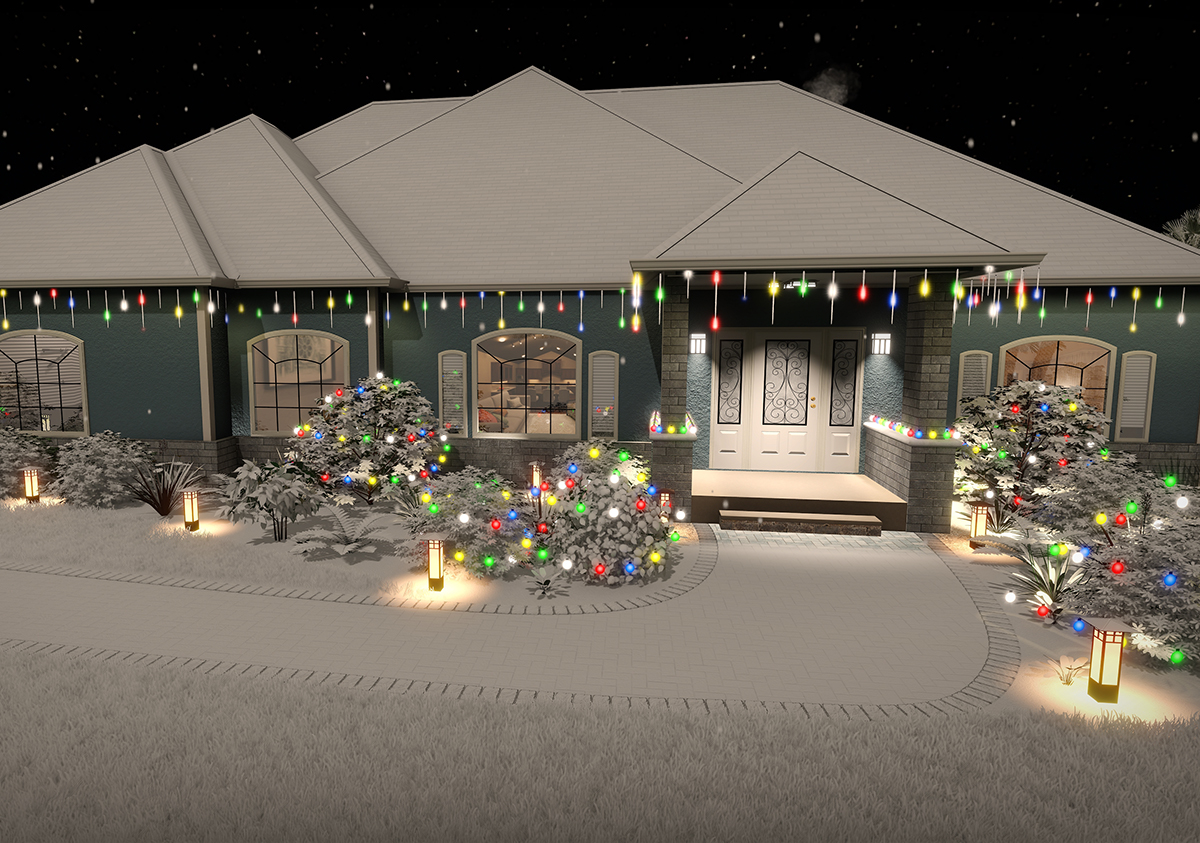
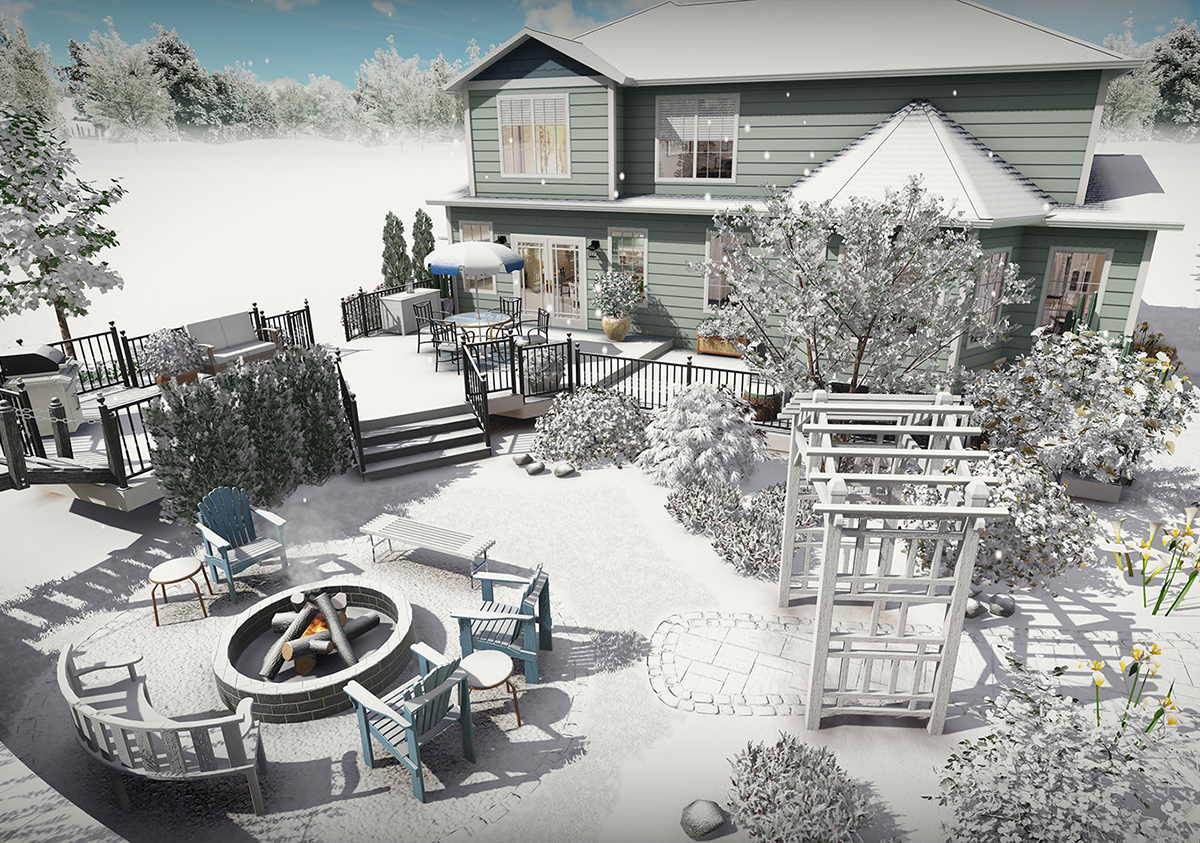
Holiday Lighting and Snow Effects
Add holiday and party lighting to your landscape design. A variety of bulb shapes and sizes are included, such as LED, c7, c9, icicle, and meteor shower. Lights can be configured to turn on automatically at night, and to animate for movies and Realtime Walkthroughs.
Create a winter version of your landscape design with just a few clicks. Options include snow density, falling snowflakes, and more.
Landscape Lighting Design
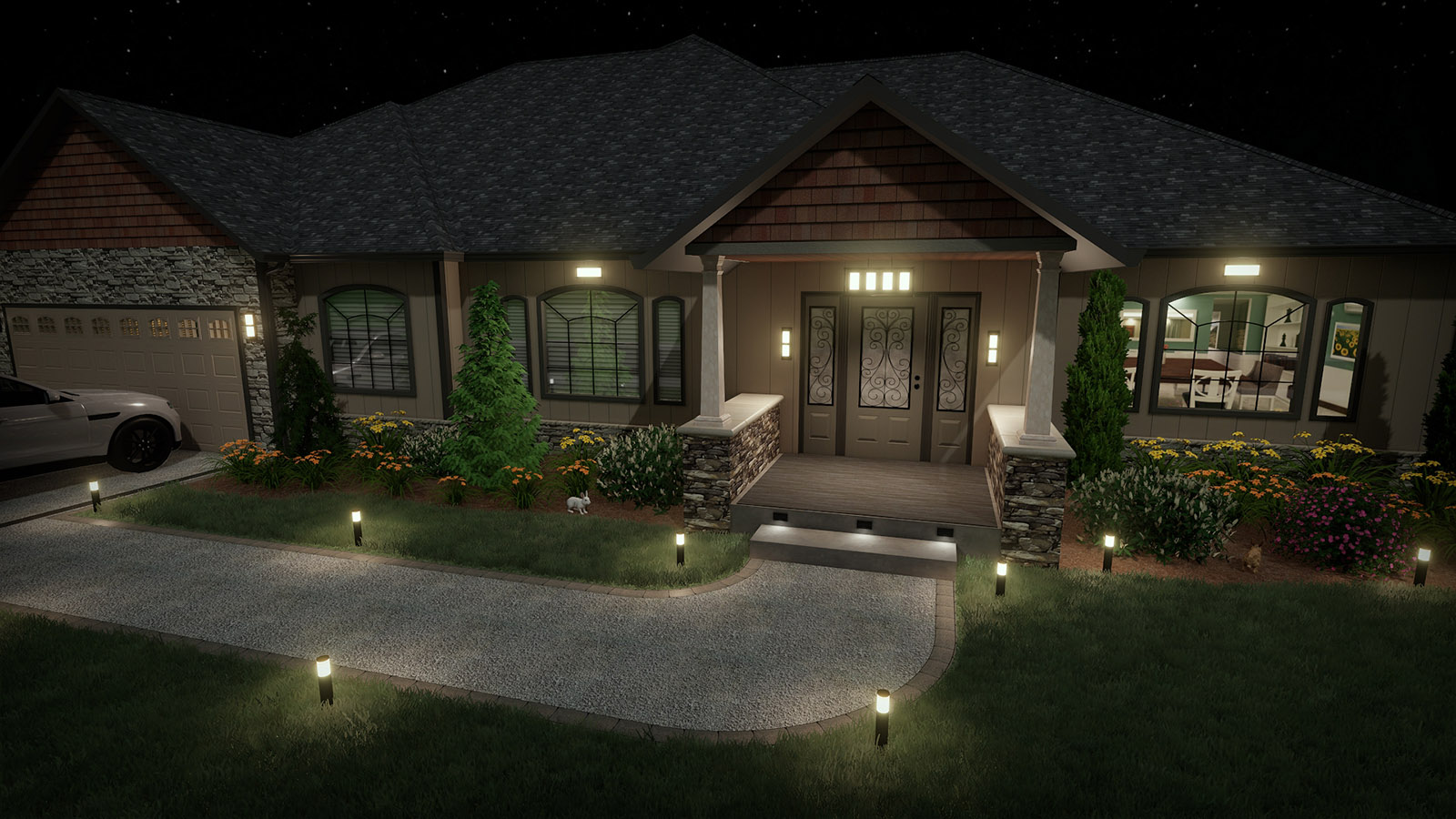
Choose from a large selection of landscape lights including products from Philips Hadco and Kichler. Any number of landscape lights, house lights, and decorative lighting can be added to your landscape design.
View your landscapes at night with realistic lighting and shadows using the Realtime Walkthrough feature.
Add Plants for your Climate
Choose from over 5,900 high quality plants using the built-in search tools.
Locate plants that will thrive in your climate by defining your zone, and then add the plants to your landscape design with just a couple clicks of the mouse.
Use the Plant Growth tool to help predict what your landscape will look like in the future: anywhere from three months to more than 20 years. This is a great way to determine spacing and other size considerations when designing your landscape.
Design Patios, Fencing, Driveways, and More
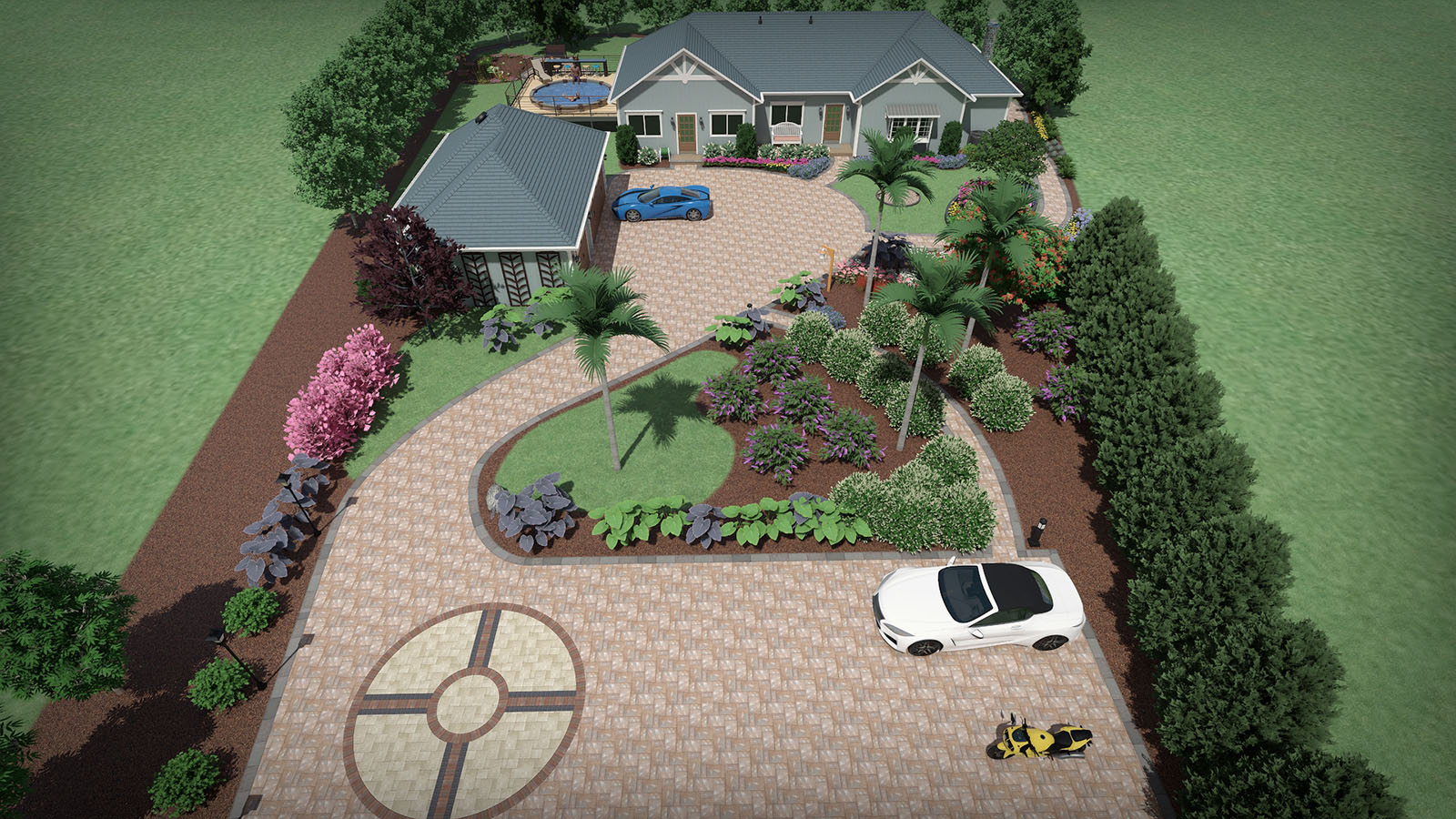
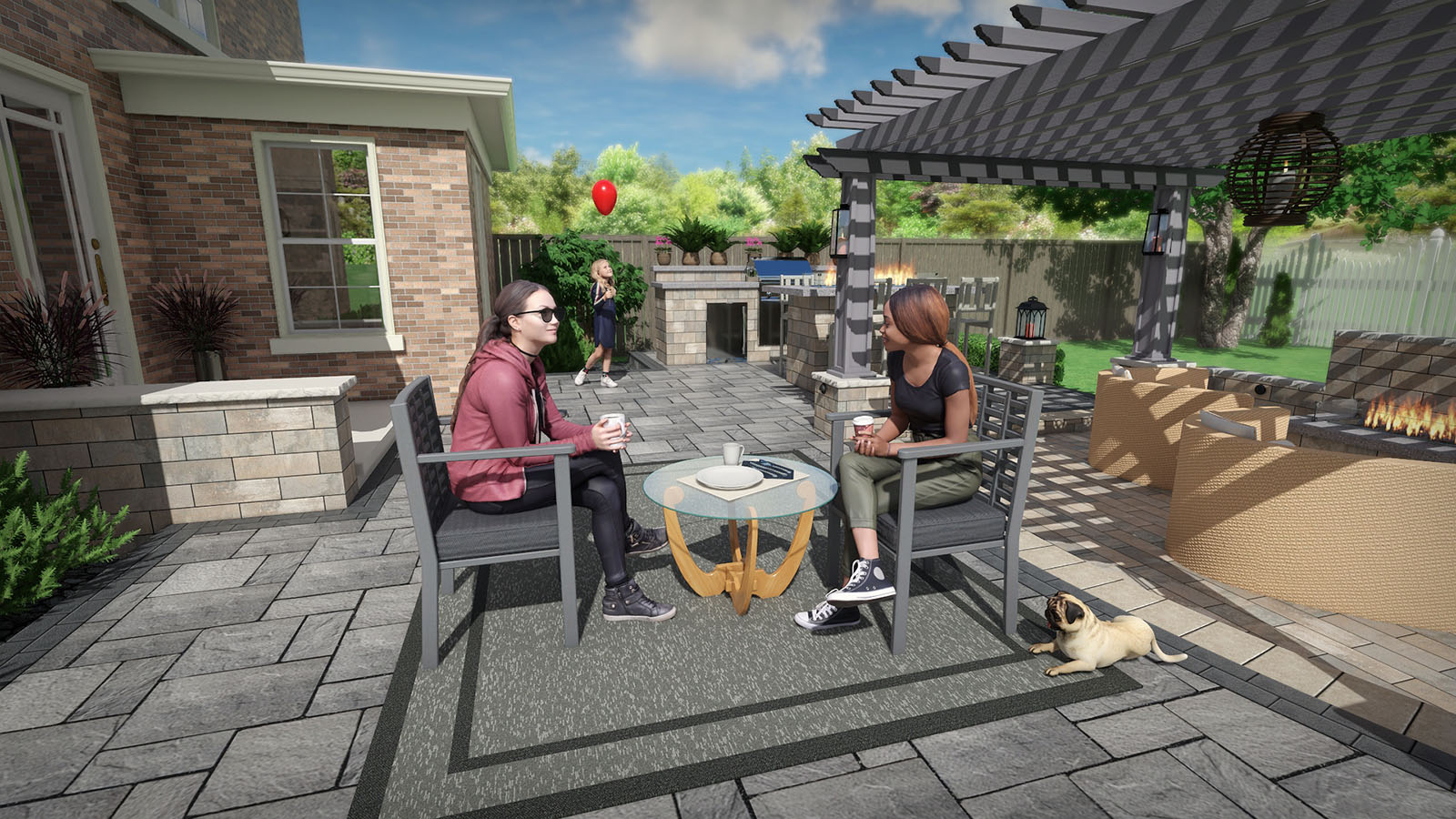
The possibilities are endless with the wide variety of tools included in Realtime Landscaping Plus. Create metal, vinyl, wood, or chain link fencing with ease. Add patios and driveways by simply drawing their shape and selecting a material. Add realistic paths, hedges, rockery, and much more.
- Many types of detailed fencing are available in a large variety of materials. Add detailed fence gates for enhanced realism.
- Patios of any shape and size can be added. Belgard and Unilock materials are included. Have a custom paver? Import your own from a photo using the Wizard.
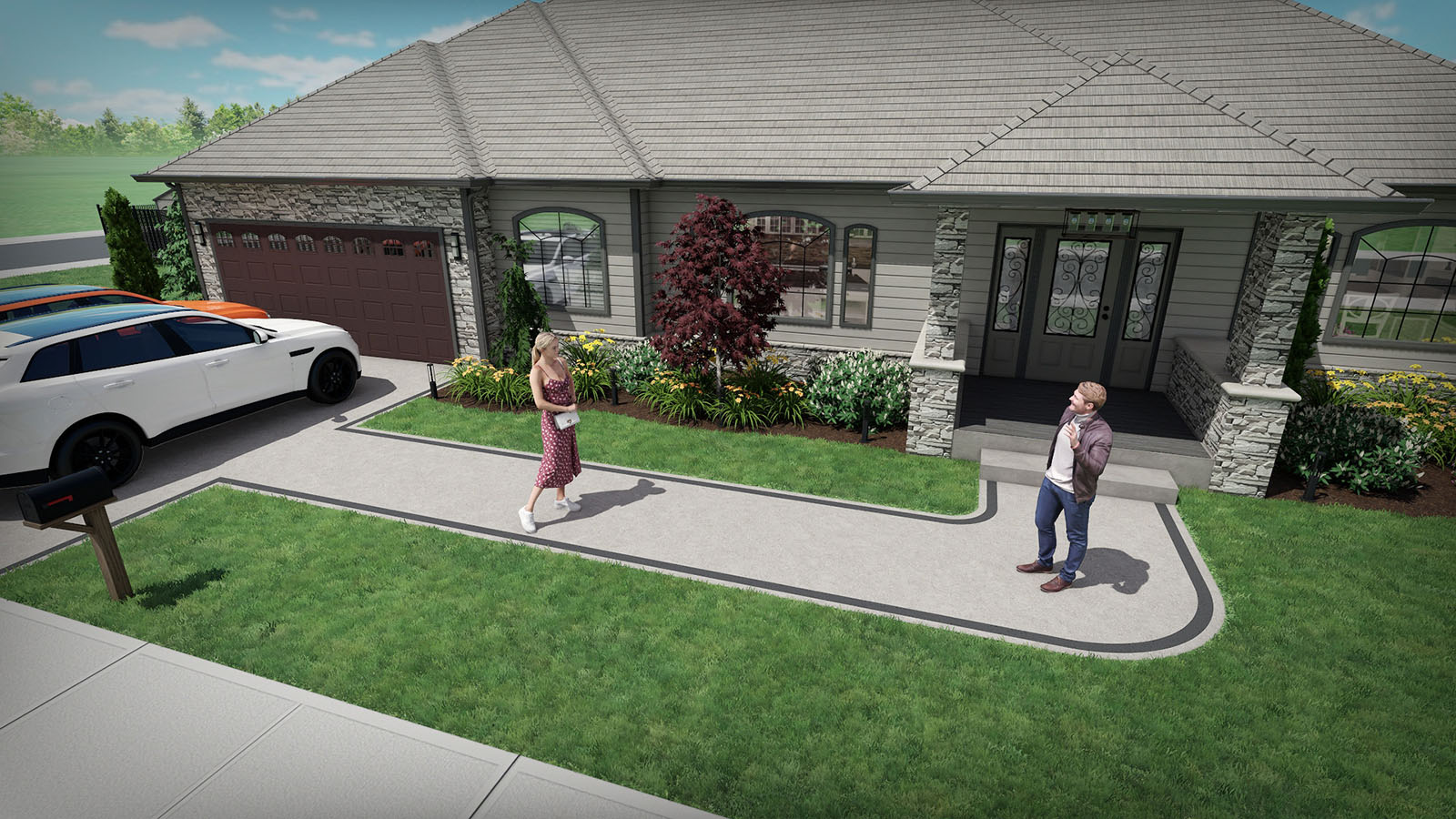
- Create driveways for your landscape design of any shape and size. Includes detailed 3D cars, mailboxes, and other objects. Both sloped and flat driveways are supported.
- Landscaping paths are easily added and support hundreds of different materials. Border paths with rocks, lighting, garden designs, edging, and more.
Landscape Sloping or Uneven Property
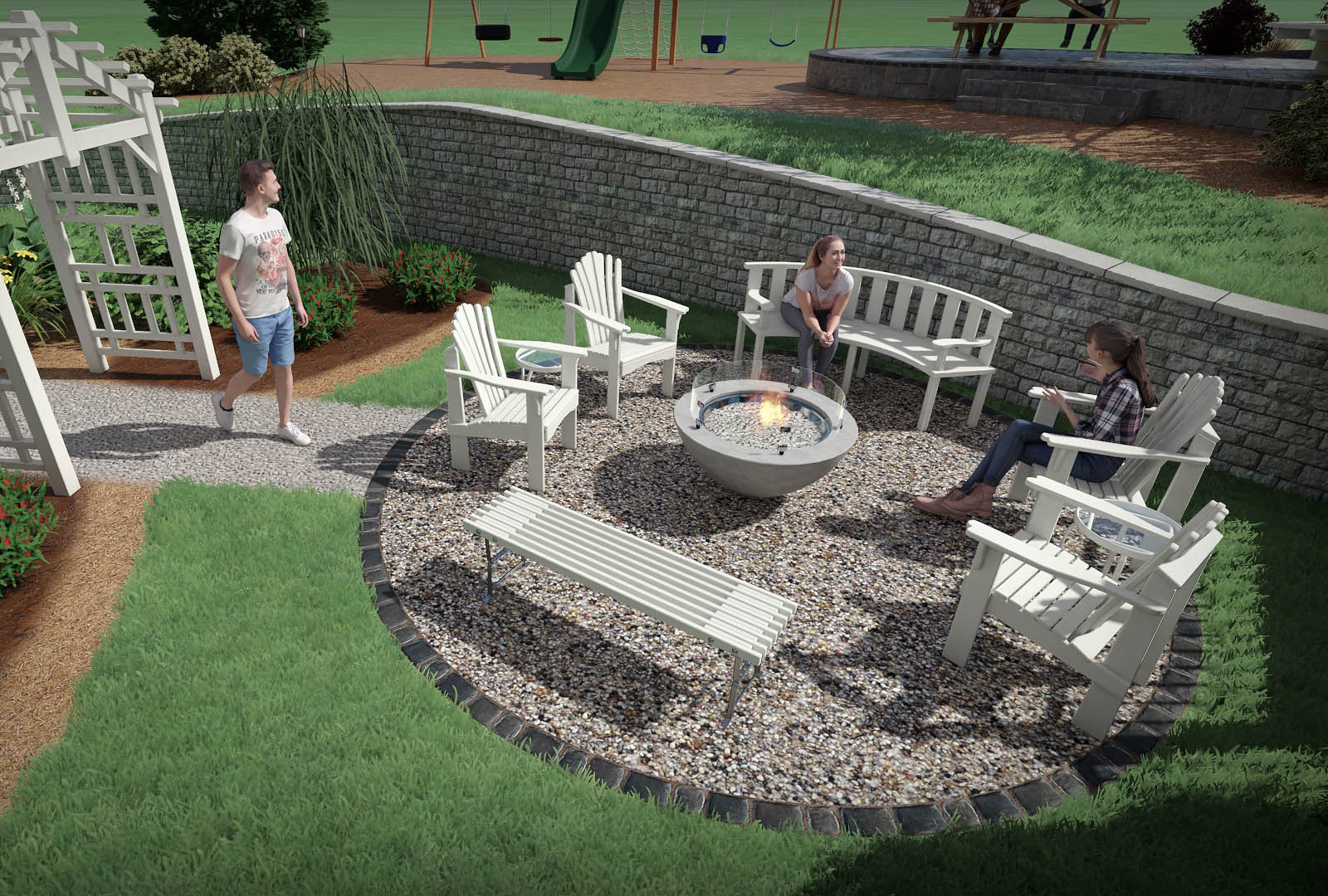
Planning to landscape a slope or hill? Realtime Landscaping Plus includes some of the most powerful terrain sculpting tools available in any landscape design software.
Easily create building pads, driveways, and sloping terrain. Adjust the height of the terrain at any point using exact dimensions. The landscaping software also supports both straight and curved retaining walls. All of the tools work in real-time, so you get instant feedback on your changes.
Create terraced landscape designs using the powerful Retaining Wall tool. Build walls using materials from national brands such as Eldorado, Belgard, and Unilock.
Need even more powerful terrain sculpting tools? Realtime Landscaping Architect includes support for contour lines and a wizard for importing elevation lines from other CAD software.
Landscape Sloping or Uneven Property
Planning to landscape a slope or hill? Realtime Landscaping Plus includes some of the most powerful terrain sculpting tools available in any landscape design software.
Easily create building pads, driveways, and sloping terrain. Adjust the height of the terrain at any point using exact dimensions. The landscaping software also supports both straight and curved retaining walls. All of the tools work in real-time, so you get instant feedback on your changes.
Create terraced landscape designs using the powerful Retaining Wall tool. Build walls using materials from national brands such as Eldorado, Belgard, and Unilock.
Need even more powerful terrain sculpting tools? Realtime Landscaping Architect includes support for contour lines and a wizard for importing elevation lines from other CAD software.
Choose from Thousands of Realistic Materials
Select from a large library of materials such as pavers, mulch, brick, wood, concrete, stacked stone, and more.
Choose products from national brands such as Belgard, Unilock, and Eldorado.
Easily change the color and brightness of any material as desired.
Add Lawn Furniture, Outdoor Kitchens, and More
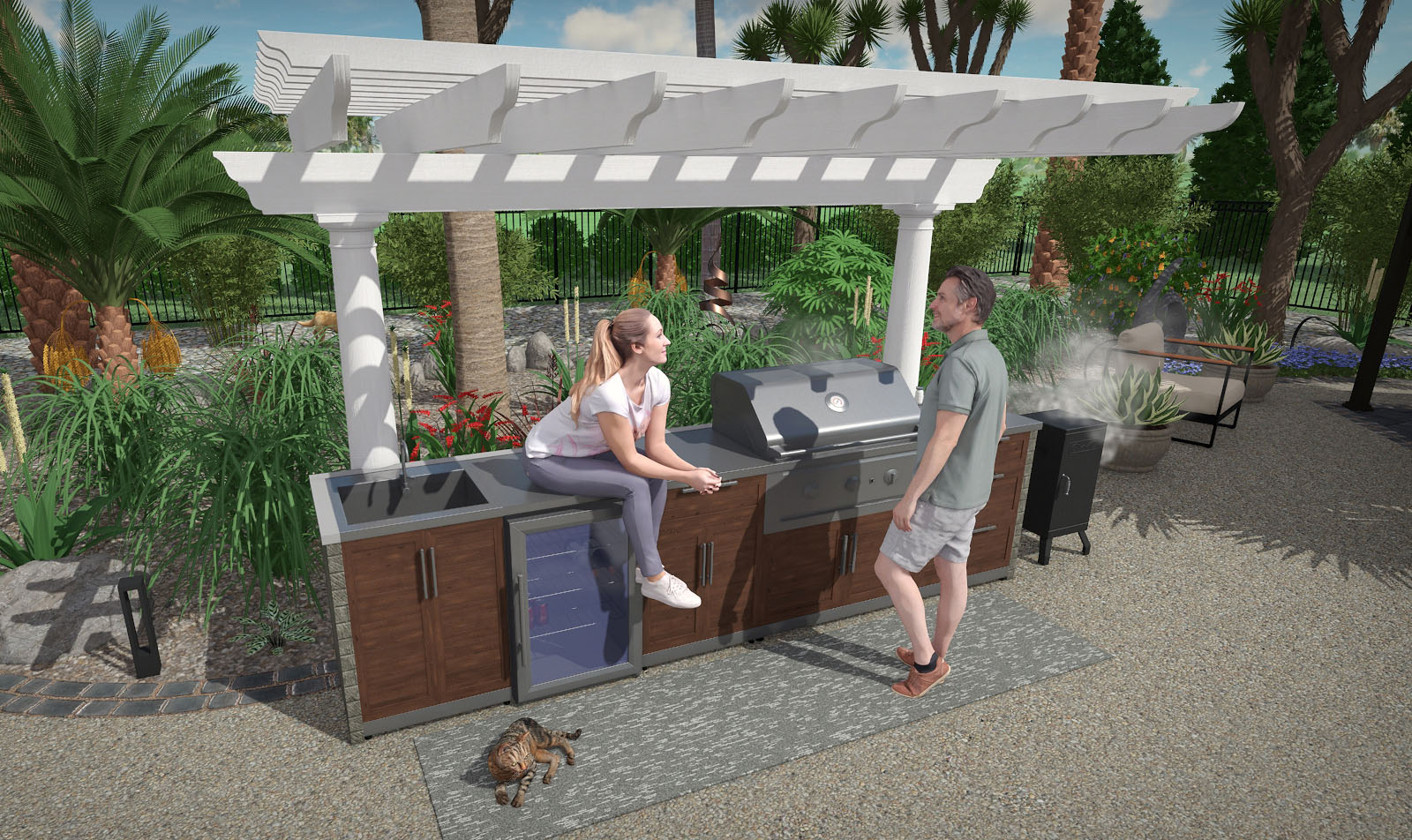
Choose from a huge library of detailed 3D objects including lawn furniture, outdoor kitchens, 3D rockery, gazebos, carports, sheds, and much more.
Add Lawn Furniture, Outdoor Kitchens, and More
Choose from a huge library of detailed 3D objects including lawn furniture, outdoor kitchens, 3D rockery, gazebos, carports, sheds, and much more.
Share your Landscape Design Ideas
Show off your landscape designs using a variety of methods. Print your design on a home printer in full color or black and white, send your design to a print shop, e-mail your landscape as a picture, or create a video of your landscape design and upload to YouTube.


Unlimited Undo/Redo
Unlimited undo/redo makes it easy to experiment. You can even undo/redo selection changes, which can save a lot of time when working with large landscape designs.
Also included is support for copying and pasting, making it easy to quickly reproduce sections of your landscape.

Easy Cost Estimates
Quickly estimate the cost of your project using the integrated Project Material List. Simply open the list, enter prices for the different landscaping objects, and print the result.
The Project Material List is automatically updated as you design your landscape. You can also export the material list to Excel for even more control.
Unlimited Undo/Redo
Unlimited undo/redo makes it easy to experiment. You can even undo/redo selection changes, which can save a lot of time when working with large landscape designs.
Also included is support for copying and pasting, making it easy to quickly reproduce sections of your landscape.
Easy Cost Estimates
Quickly estimate the cost of your project using the integrated Project Material List. Simply open the list, enter prices for the different landscaping objects, and print the result.
The Project Material List is automatically updated as you design your landscape. You can also export the material list to Excel for even more control.
Create 3D Panoramas for Youtube and Facebook
Upload interactive designs to social media and image sharing sites. Your clients can look around the design freely, either standing in place or while moving through the landscape in a video. Capture even more detail with an increased resolution output limit of 8192×8192.
Already own Plus? Upgrade Now
Download Immediately: After making a purchase, you will receive a personal download link.
"Hands down, this is our top product. It is easy, it is fun and it creates beautiful and detailed results." - TopTenReviews

Already own Plus? Upgrade Now
Download Immediately: After making a purchase, you will receive a personal download link.
"Hands down, this is our top product. It is easy, it is fun and it creates beautiful and detailed results." - TopTenReviews

30 Day Money Back Guarantee
If you are not 100% satisfied with Realtime Landscaping Plus, simply return it within 30 days for a full refund. More