Fog
Fog adds atmosphere and realism to your scene, especially during the evening and early morning.
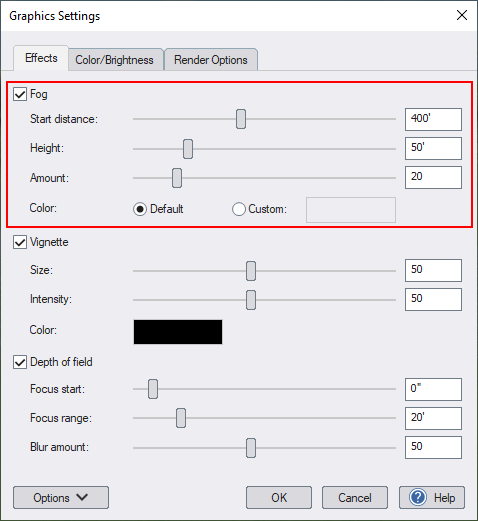
Fog
Enable volumetric fog.
Start distance
Set the fog start distance relative to the current viewpoint.
Height
Height of the fog relative to an elevation of 0. Note: Fog cannot be used at elevations below 2' (0.6m).
Amount
Controls the fog density.
Color
Click Default to use the default fog color, or Custom to set a different color.
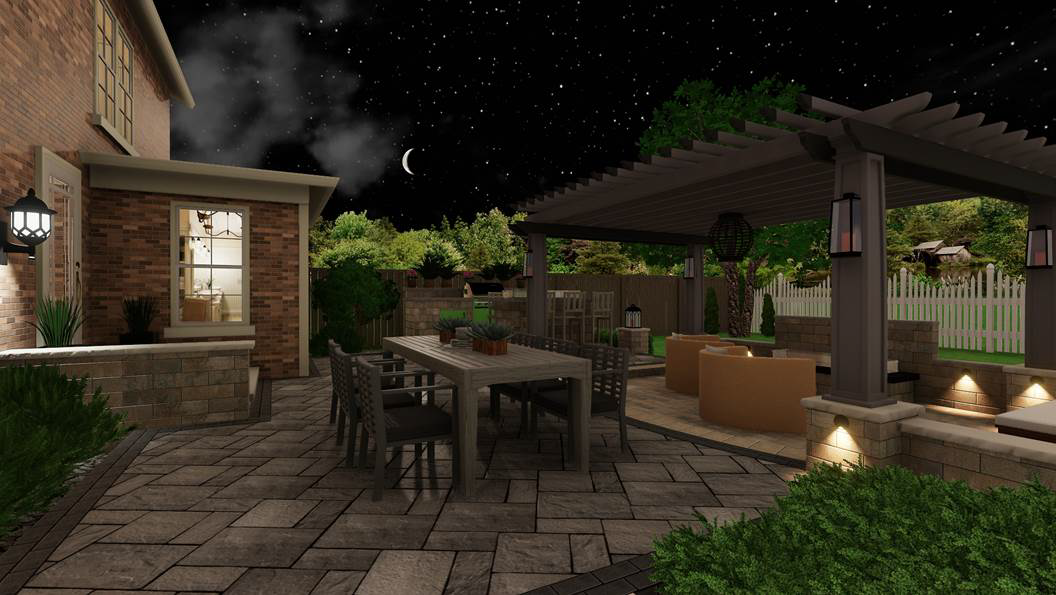
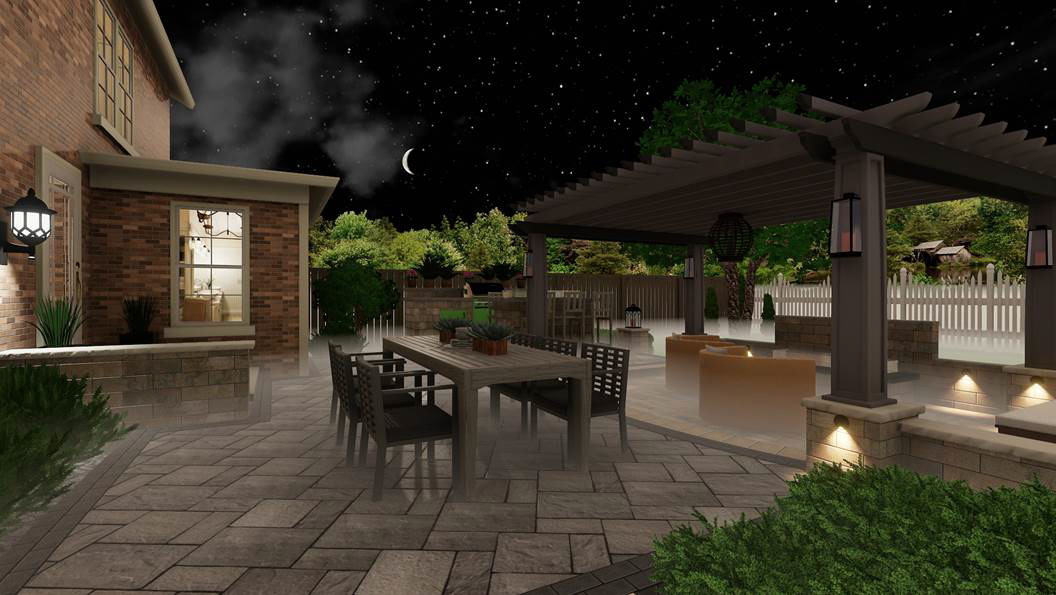
The following are examples with and without fog.
Without fog:
With fog:
Using Fog with an HDR Sky
When combining Fog with an HDR Sky, adjust the fog Start Distance and Height settings as needed to blend the fog with the horizon. Otherwise the fog may appear as a distinct layer floating above the ground rather than fading seamlessly into the sky.