Environment Settings
The Environment Settings dialog provides options to adjust the sky, weather, season, and more.
There are several ways to access this dialog:
-
Press F3.
-
From the Settings menu, click Environment Settings.
-
Click the
 button at the bottom of the screen when the Perspective view is active.
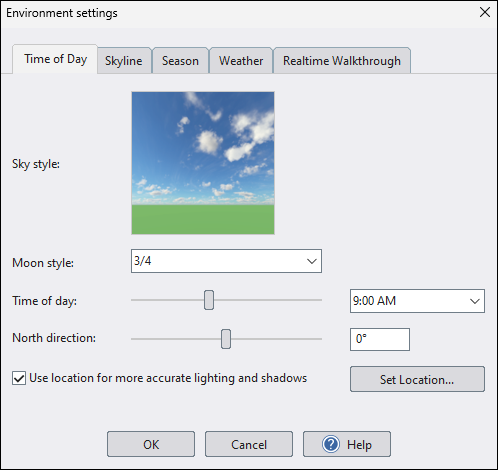
Use the following links for a description of each section.
For automatic sky and sun alignment based on the current time, use Sky and Time of Day Settings.
For a specific HDR/HDRI sky image with manual alignment controls, use HDR Sky Settings.